STEPS TO REPRODUCE:
1. Create a metric selector targets on a bar graph: Year cost revenue profit
2. Note that the color of each series changes as the selector gets updated on Web
3. Edit each metric, go to Tools > Formatting > Headers...
In the Format Cells editor, go to the Chart tab, and define the formatting for that particular series. From the drop down, select Solid and provide a color.
4. In the graph's Graph Preferences menu, make sure that the option to "Apply metric formatting when available" is selected
5. Run it on Web, note that the color of each series is fixed.

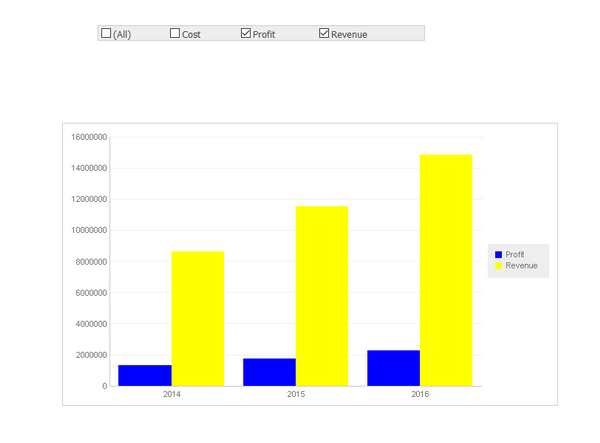
6. Run it on Strategy Mobile in iPad, see the color is still the default palette and gets updated when the metric selector changes.


CAUSE:
This is a known limitation of Strategy Mobile 10.x.
ACTION:
Users who wish this functionality to be available in future releases should post to the Ideas Exchange
