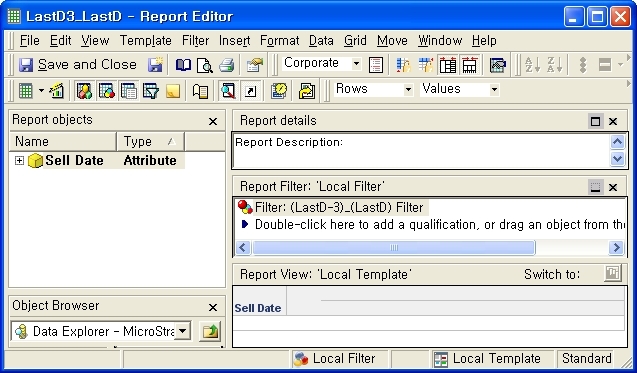
While the user needs to provide a day value as a prompt answer, the actual condition resolved by the prompt answer may need to be last 3 days of the month to which the selected day belongs to. The following steps describe how to create a report with a condition of date range between “Last day of the month -3 days “ and “last day of the month” based on the prompt answer which is provided in the day level.
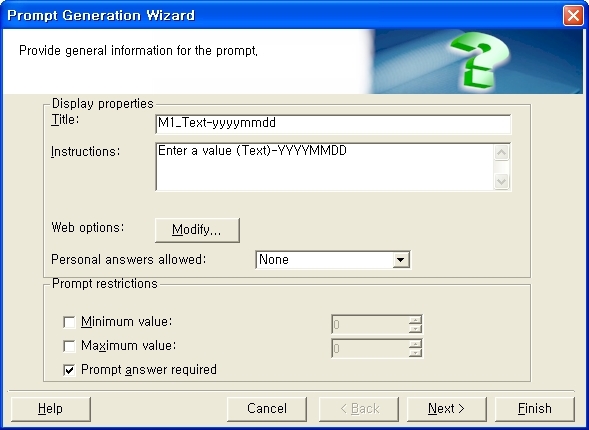
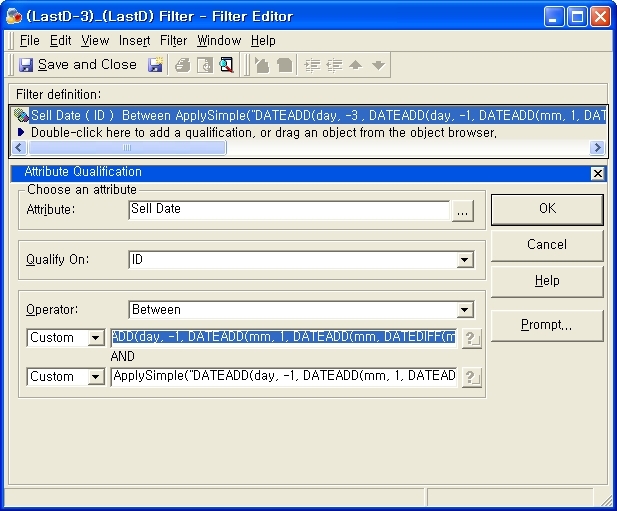
ApplySimple(`DATEADD(day, -3, DATEADD(day, -1, DATEADD(mm, 1, DATEADD(mm, DATEDIFF(mm, 0, convert(datetime, #0)), 0))) )` , ? )
ApplySimple(`DATEADD(day, -1, DATEADD(mm, 1, DATEADD(mm, DATEDIFF(mm, 0, convert(datetime,#0)), 0)))` , ? )
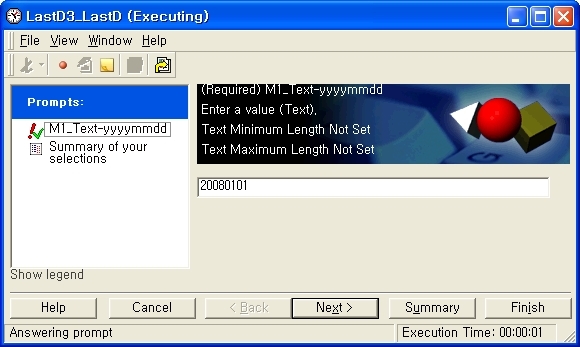
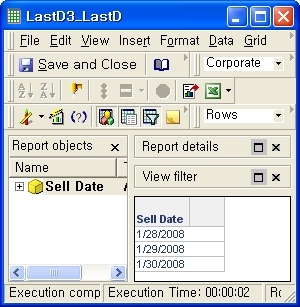
select    distinct CONVERT(DATETIME, CONVERT(VARCHAR(10), a11.sell_date, 101))  CustCol_8

from     tbl_B     a11

where   CONVERT(DATETIME, CONVERT(VARCHAR(10), a11.sell_date, 101))

between DATEADD(day, -3 , DATEADD(day, -1, DATEADD(mm, 1, DATEADD(mm, DATEDIFF(mm, 0, convert(datetime,'20080101')), 0))) )

and DATEADD(day, -1, DATEADD(mm, 1, DATEADD(mm, DATEDIFF(mm, 0, convert(datetime, '20080101')), 0)))
Notice that "20080101" gets converted to month level in this SQL. Therefore, which day is actually input by the user does not make difference when generating this condition, but it always returns last 3 days of the month.
