SYMPTOM:
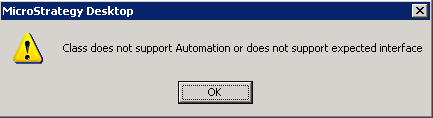
When updating schema in Strategy Developer 9.x and 10.x, the user is prompted with the error message below:
Sample Code/Error
Class does not support Automation or does not support expected interface
If the user enables DFC Engine trace (in Diagnostics Configuration tool), the error messages failed while populating relations:
Sample Code/Error
1960: 2010-04-22 12:17:40.804-05:00 DSSSQLEngine: DFCSchemaObjsIDSS: Error in PopulateRelation()
1960: 2010-04-22 12:17:40.804-05:00 DSSSQLEngine: Error: DFCSchemaObjsIDSS.populate
CAUSE:
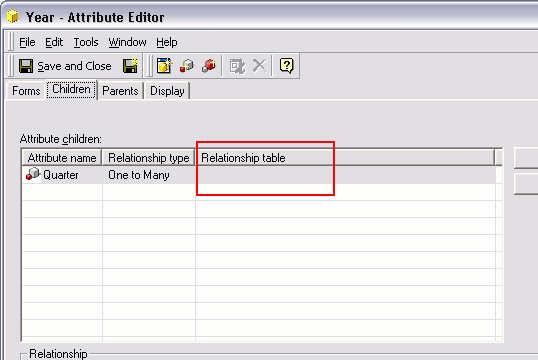
One possible cause is that one or more attributes containing parent-child relationship without a relationship table are present in the metadata. See screenshot below:
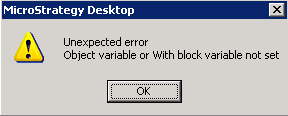
If the user tries to assign a table, the error "Object variable or With block variable not set" displays:
NOTE: The Desktop GUI does not allow the creation of Relationships without a relationship table. Therefore this condition is a result of a metadata inconsistency. The cause of the metadata inconsistency is not known.
ACTION:
Please contact Strategy Technical Support for further assistance. In order to track down the cause of the inconsistency, customers encountering this issue should make note of Schema-related changes, Object Migrations, or error messages prior to experiencing the problem. Change Journaling, if it has been enabled, can help in preserving this information.
