SYMPTOM:
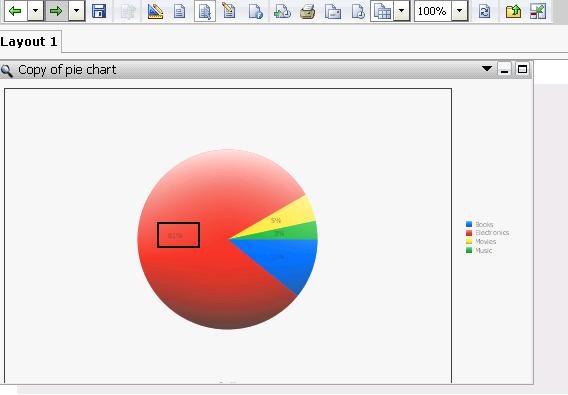
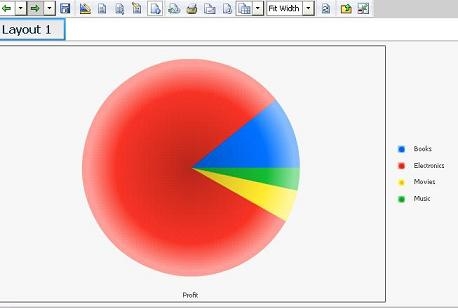
For some pie charts in Strategy Web 9.4.1, users notice that the value label does not show for any of the slices when inserted into a document and executed in Flash mode. The value label will show up fine in Interactive mode.
Expected display in interactive mode:
In Flash mode:
CAUSE:
If the pie chart is too small for all the label to fit on the slice, the label will be removed. This is a limitation with Adobe Flash where the label on the slices will not automatically shrink to fit into the small slices.
In an attempt to resolve the overlapping issue from Strategy version 9.0.0, if the pie chart is too small to fit the value label, Strategy will remove the label from the graph.
ACTION:
There are two solutions for this issue:
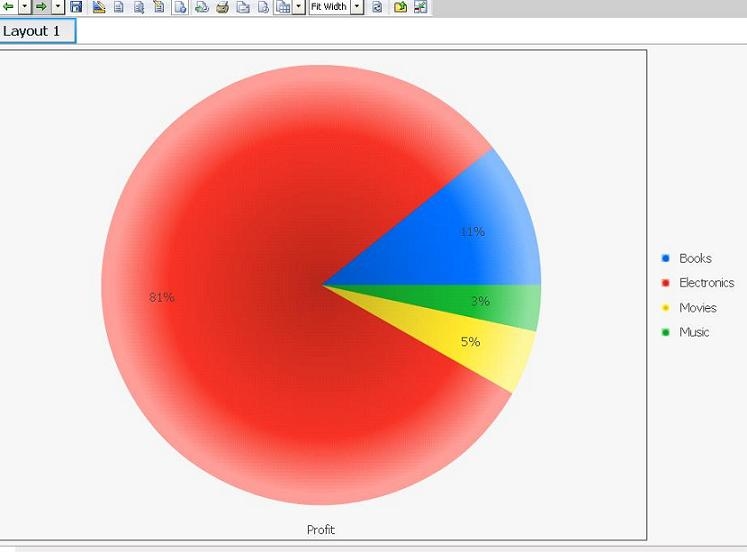
Solution 1: Increase the Pie chart size on the Flash document so the slices are big enough to show the value labels:
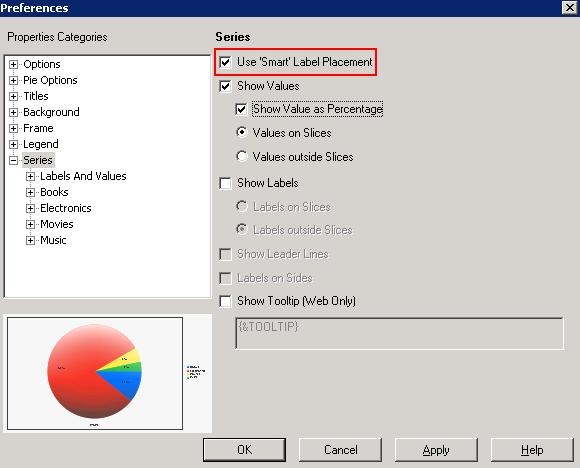
Solution 2: Turn on Smart Labels to display the value labels outside of the pie chart: