SYMPTOM:
When performing a manual dataload in Strategy Enterprise Manager 9.x, it will fail with multiple errors. The following messages may be seen when the first failure occurs:
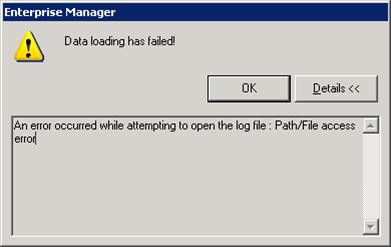
"An error occurred while attempting to open the log file: Path/File access error"
"An error occurred while attempting to open the log file: File not found"
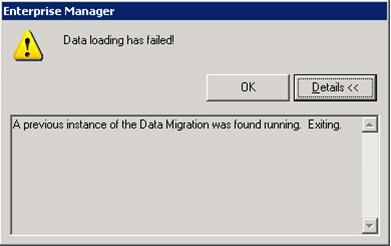
"Data loading has failed! A previous instance of the Data Migration was found running. Exiting."
CAUSE:
The reason why these errors would be seen when running a manual dataload is because the MAEMETL.exe process is already running from either a previous or another user's session. When this process is run, it locks the MSTRMigration.log file for it to write data to and that is why the first set of errors are seen.
For other reasons why the MAEMETL.exe process would cause the following error, refer to the technical note below.
KB16583: 'A previous instance of the Data Migration was found running. Exiting' error message appears when running the Data Load process in MicroStrategy Enterprise Manager 9.x
ACTION:
Follow the steps below to get the manual data load process to complete successfully:
