SYMPTOM:
Some times the administrator may need, or want, to temporarily disable Strategy Distribution Services without affecting other scheduled tasks. At the same time the administrator does not want to delete the subscriptions or stop the entire Strategy Intelligence Server. In Strategy Narrowcast Server, it is possible to deactivate specific services and schedules, thus turning off just the Send Now and scheduled email, file, or print executions.
However, in Strategy the only method for disabling Strategy Distribution Services is to turn off the scheduler component:
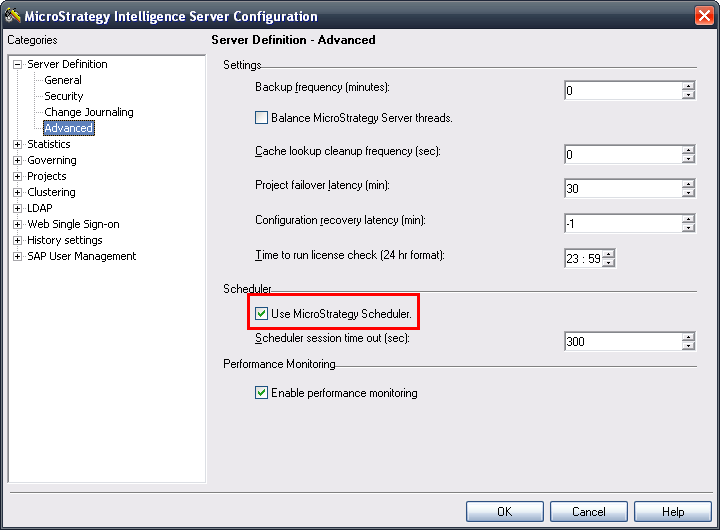
This will turn off all scheduled tasks affecting anything else that is run by schedules, such as administrative tasks, cache updates, history list subscriptions, etc.
CAUSE:
This is a known limitation with Strategy Distribution Services.
ACTION:
Contact Strategy Technical Support for an update on the status of this issue.
WORKAROUND:
If the Strategy Distribution Services subscriptions are attached to schedules that are not used for other tasks, then there are three ways to workaround the issue:


If the schedules are mixed between Strategy Distribution Services subscriptions and other tasks, such as cache updates or clean ups, then consult the following Strategy Knowledge Base technical note for methods of disabling individual subscriptions:
KB33212: There is no option to disable MicroStrategy Distribution Services 9.0.x subscriptions as an Administrator
