SYMPTOM:
When searching for components of a Free Form SQL report, the search window does not return all the report objects.
Suppose the scenario below in which there are four objects in a Free Form SQL report

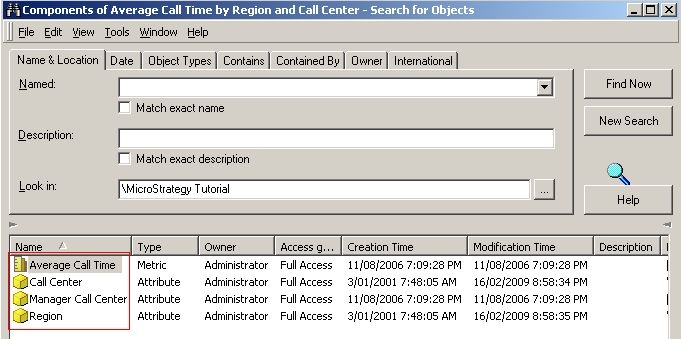
When searching for components of this particular report, users can only see a limited number of objects as shown below:

CAUSE:
In certain situations, FFSQL reports are created using attributes and metrics created on the fly. These objects are stored as managed objects and are not included in the search by default.
ACTION:
Modify the search options from Tools > Options to display managed objects as shown in the image below:

When this setting is enabled, all the components will be shown in the search result window as illustrated below: