SYMPTOM:
When trying to save an attribute qualification condition by importing from a text file as shown below, the following error message appears and the filter cannot be saved.
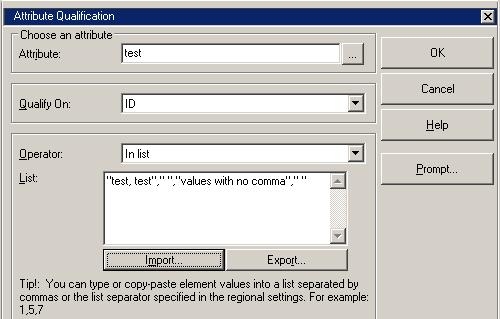
Sample Code/Error
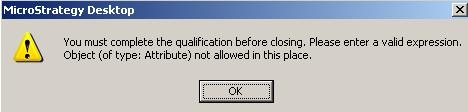
You must complete the qualification before closing. Please enter a valid expression. Object (of type: Attribute) not allowed in this place.
CAUSE:
This is a known issue with Strategy Developer 9.x. when there is at least one attribute element that is defined with a comma in the middle of the value. When this is true, the filter condition cannot be saved.
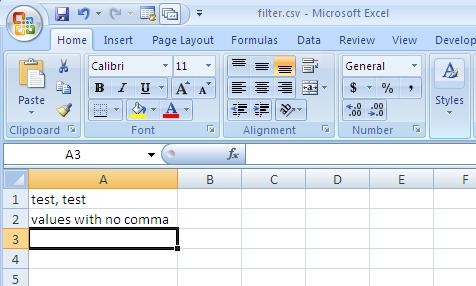
Note: If the comma is added at the end of the value, filter conditoin can be saved without hitting this error.
ACTION:
Strategy will continue to investigate and post updates as soon as they are available.
WORKAROUND:
Use an Attribute Element list to define a condition to avoid this issue.
