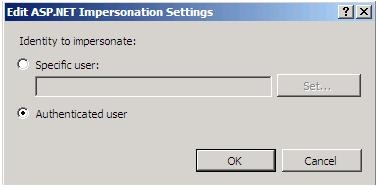
In order to set up Windows Authentication mode for Strategy installed on IIS 7 make sure that the following setting are enabled in IIS
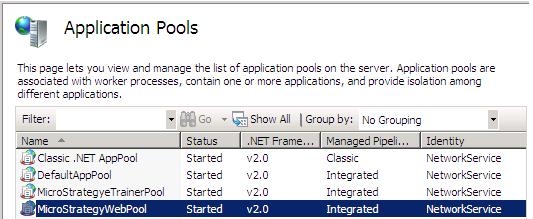
Make sure that the application pool is started and the Managed Pipeline is set to Integrated as shown below,
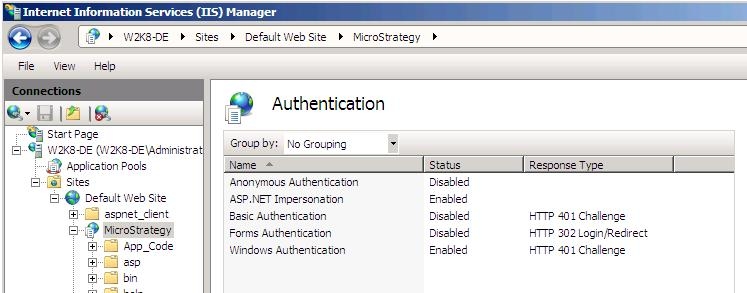
Enable Windows Authentication and ASP.NET Impersonation for the Strategy virtual directory as shown below,
Edit the ASP.NET Impersonation and make sure that Authenticated User is selected for the identity as shown below