SYMPTOM:
When performing report manipulations in a Japanese locale machine, Strategy Desktop/Developer is closed unexpectedly with the following errors:
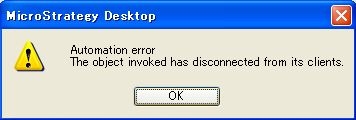
Sample Code/Error
Automation error
The object invoked has disconnected from its clients.
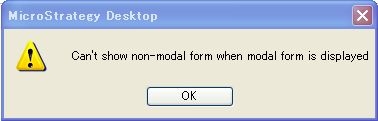
Sample Code/Error
Can't show non-modal form when modal form is displayed
Note:
This issue is metadata specific, and only occurs in Japanese locale machine.
CAUSE:
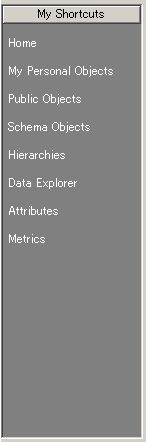
This is a known issue in Strategy Desktop 9.x which occurs when trying to load the shortcut list images in report editor.
ACTION:
Starting from Strategy Desktop 9.4.1, the following registry key is added to switch between show or hide the shortcut images.
Follow the steps below to workaround this issue by changing the registry value in Strategy Desktop/Developer 9.4.1/10.x
Registry Modification:
WARNING:
Modifying registry values incorrectly may cause serious, system-wide problems that may require the re-installation of Microsoft Windows NT. Any edit of the registry is done at the user`s own risk. Since these are user-initiated changes, they are not covered by any Strategy warranty. If using Microsoft Windows NT, the user should backup the registry and/or update an Emergency Repair Disk (ERD) prior to alterations.
