SYMPTOM
Legend font sizes on a pie graph do not change after modifying it in Interactive mode in Strategy Web 9.x. The same changes are applied in Flash mode.
STEPS TO REPRODUCE
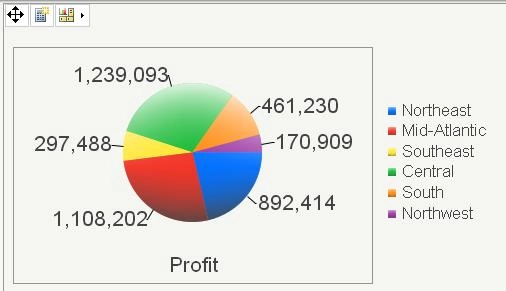
7. Change the size again to 18 pts. Notice that there is no apparent change in the sizes.
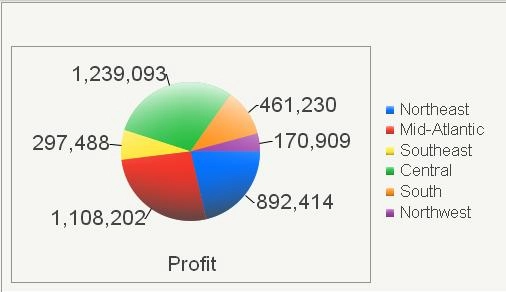
8. Switch to Flash mode and keep the legend font size at 18 pts.
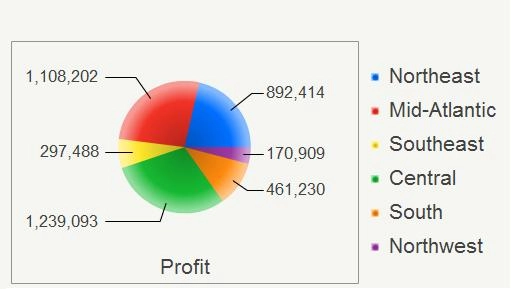
9. Change the font size to 16 pts and view in Flash mode again. Notice that the size looks smaller.
Notes:
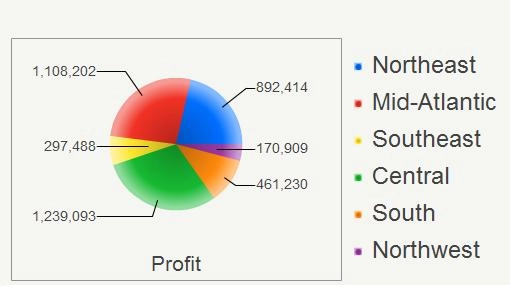
The font sizes in general appear differently between Interactive and Flash, but this specific issue involves the font size change.
This issue only seems to apply to small font size changes, more dramatic changes (ex. font size 16 to font size 8) will apply in Interactive Mode.
CAUSE
This is a known issue in Strategy Web 9.x
ACTION
Strategy will continue to investigate and post updates as soon as they are available.
