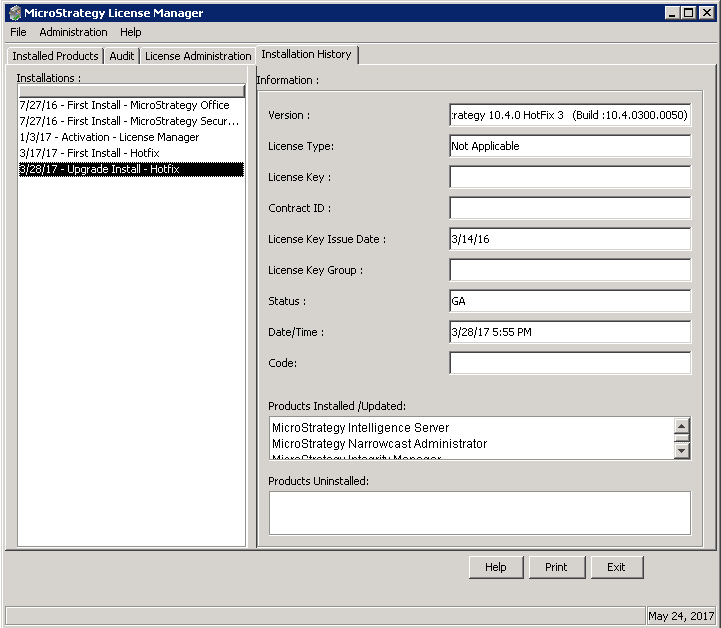
After installing a Hotfix in Strategy 9.4.1 and 10.x or an Update in Strategy 2019/2020/2021, the version number in Strategy Developer (under Help > About Strategy Developer) remains unchanged and does not reflect the Hotfix installation. Why is this?
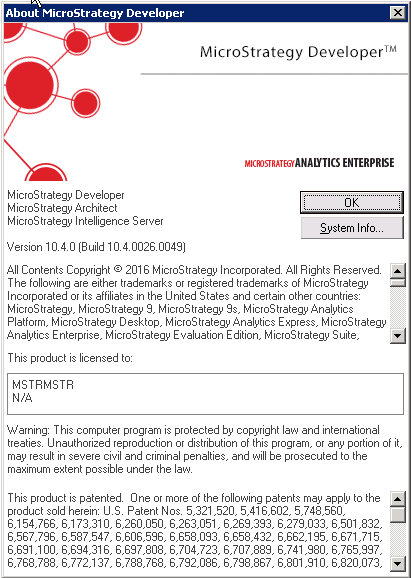
Before installing Hotfix 3 (Help > About Strategy Developer screenshot below)
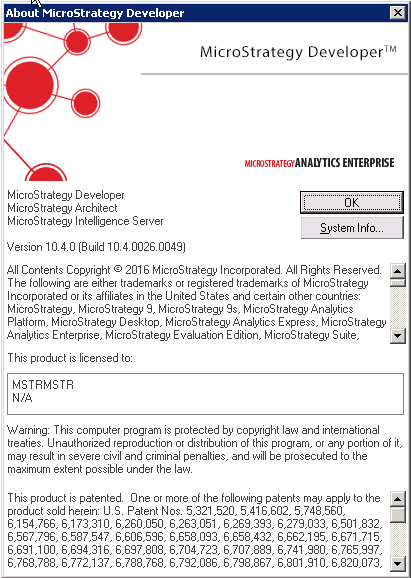
After installing Hotfix 3 (Help > About Strategy Developer screenshot below)
Upon installing a Hotfix/Update, the version number under Help > About Strategy Developer remains unchanged. However, the License Manager displays the latest version along with hotfixes/updates. In the License Manager window, under the Installation History tab, the Installations list (on the left) displays a list of installations by date and the Information area (on right) displays detailed information of the installation.
Select the most recent Upgrade Install - Hotfix from the Installations list and you will be able to view detailed information about the Hotfix on the right (under Information).