SYMPTOM:
In Strategy Developer 9.4.x - 10.x, "Type mismatch" error message appears when a user is attempting to place an attribute in the page-by section of a report.
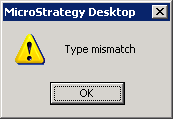
Type Mismatch
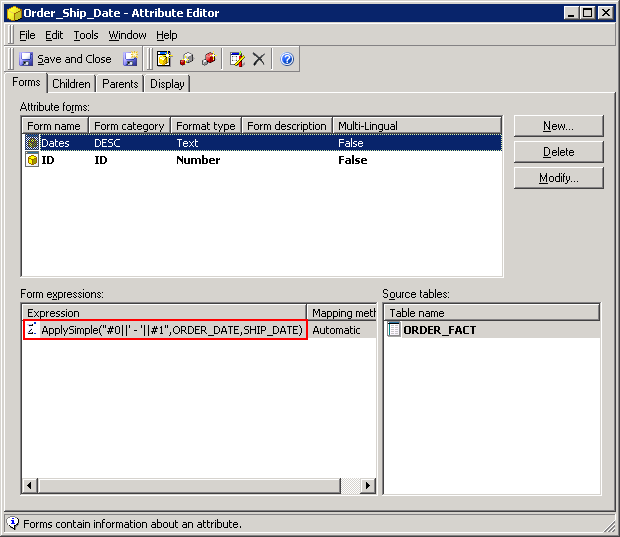
ApplySimple("#0||' - '||#1", [ORDER_DATE], [SHIP_DATE])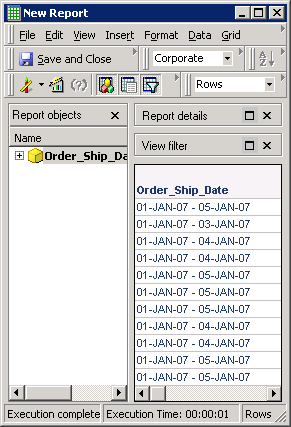
When attempting to move the attribute into the page-by section, the following error occurs:
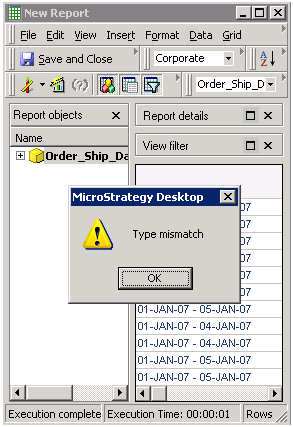
Note: The attribute expression used in the above example is specific to an Oracle database.
CAUSE:
The attribute form has an incorrect column alias defined. In the above example, the DESC form is designed to concatenate the Order_Date and Ship_Date as a string. However, its column alias is defined with the 'TimeStamp' datatype which causes the type mismatch.
ACTION:
Open the attribute editor and modify the DESC form. Select the column alias tab and create a new column alias. Specify the NVarChar data type as shown in the screenshot below
Save the attribute and update schema. User will now be able to move the attribute to page-by.
