SYMPTOM:
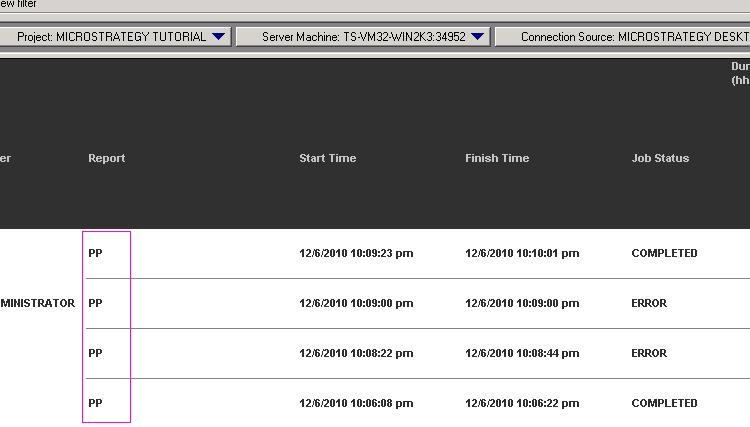
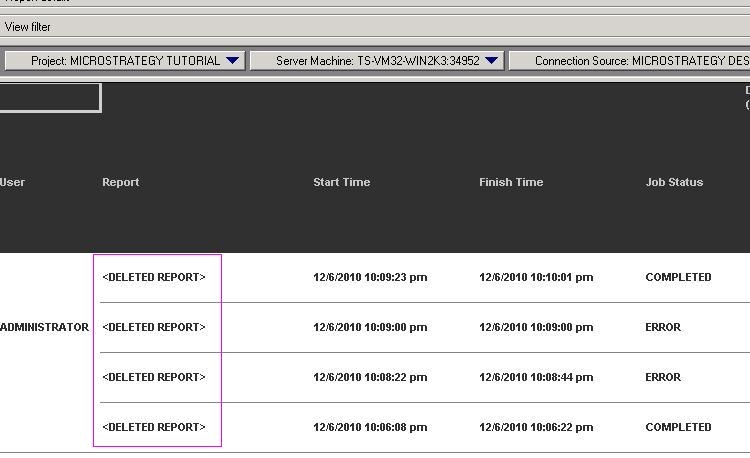
In Strategy Developer or Web, execute a report in a project which is configured to log statistics in Strategy Enterprise Manager. This report is a recently created report in this project. After the report execution, open the Enterprise Manager project and execute the report ‘101 Recently Completed Jobs’. The report name is displayed as ‘DELETED REPORT’ in the result set ‘Report’ column, as shown below:
CAUSE:
The report '101. Recently Completed Jobs' is a freeform SQL report accessing the view RT_IS_JOB_MONITOR. This view directly accesses the IS_REPORT_STATS statistics table and then joins to the lookup tables in the Enterprise Manager warehouse to get the report names. Since this is a newly created report, without performing a Strategy Enterprise Manager dataload, information about this report will not exist in the IS_REP lookup table in the Enterprise Manager warehouse. Therefore, such report names will be seen as <DELETED REPORT> in the report '101. Recently Completed Jobs'.
ACTION:
Perform a dataload from Strategy Enterprise Manager Console in 9.x, or through Command Manager in Strategy 10.x, to populate the lookup table information in IS_REP. The report '101 Recently Completed Jobs' will now display the report names correctly.