An LDAP Server provides a centralized repository of users and groups information. Each DSE in the LDAP directory (usually representing a user or group) has several attributes that define the entry, such as name, full name, email, telephone number, etc. In some cases it is desirable to import this information into Strategy - for example to use the attribute values for each user to populate a security filter.
The following procedure describes how administrators can link LDAP attributes values for a user to system prompts:
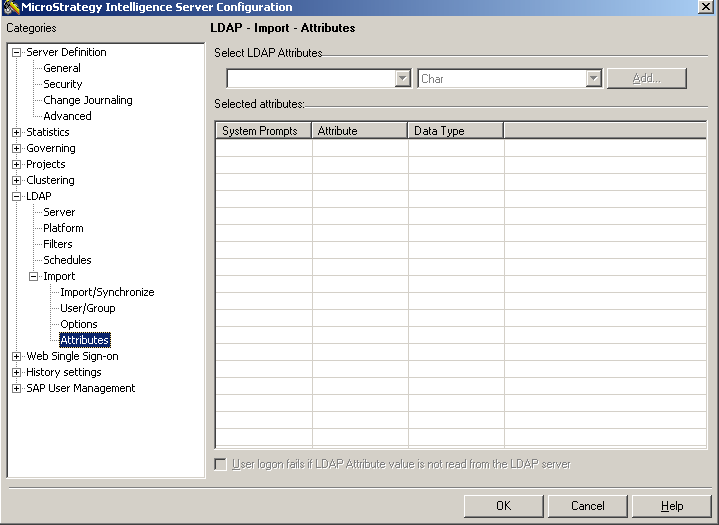
When an attribute is selected, a system prompt is added automatically according to the type of the LDAP attributes.
NOTE: There are 40 system prompts regarding LDAP attributes, from LDAP attribute 1 to LDAP attribute 40, as shown below:

Take a Numeric imported LDAP attribute as an example, it would have started on system prompt LDAP attribute 16. The way how to store the LDAP attributes in Strategy cannot be changed. The number of the system prompt cannot be changed either. And it is only shown there so that the Strategy administrator knows in which system prompt the attribute was saved when the administrator would like to create a security filter or use the value of the system prompt.
The system prompt which is used can be displayed because it appears in the LDAP screen and at the right hand side of the system prompt. There is no option to select which system prompt will be used.
The system prompt can be used in a filter that can be further used in a security filter, so that the LDAP attribute values are populated in the security filter on user LDAP login.
