SYMPTOM:
In Strategy Developer 9 and 10.x, when users launch the Query Builder interface and click on “All available tables” they receive the following message
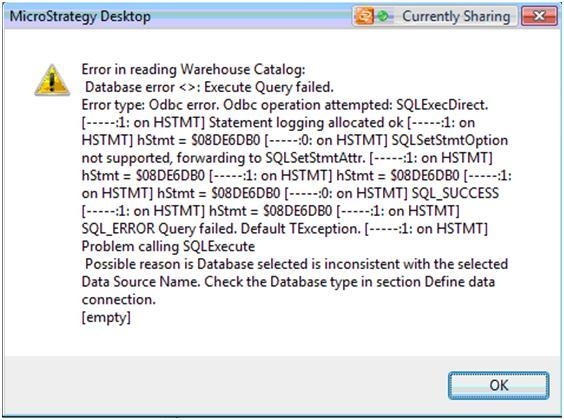
"Problem calling SQLEXecute, Possbile reason is Database selected is inconsistent with the selected Data Source Name. Check the Database type in section Define data connection."
CAUSE:
When retrieving tables from a Hive data source, Strategy must use standard ODBC calls instead of SQL statements.This option can be set in the warehouse catalog, but is not available through Query Builder. So when a user attempts to retrieve tables through Query Builder, Strategy will submit a SQL statement, resulting in the error message above.
ACTION:
Users can add the tables to the project through the warehouse catalog. After this is done, the tables will already be available in the Query Builder interface.
