SYMPTOM:
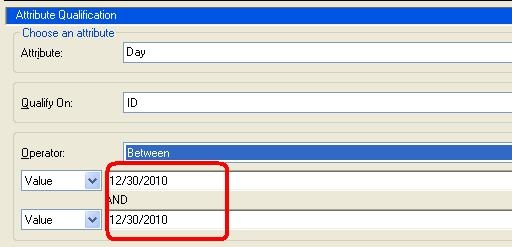
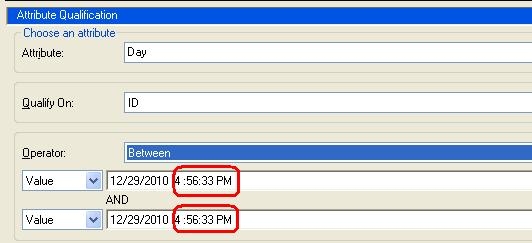
In Strategy, when creating a filter on a Date attribute, the timestamp shows up along with the date as seen below:
CAUSE:
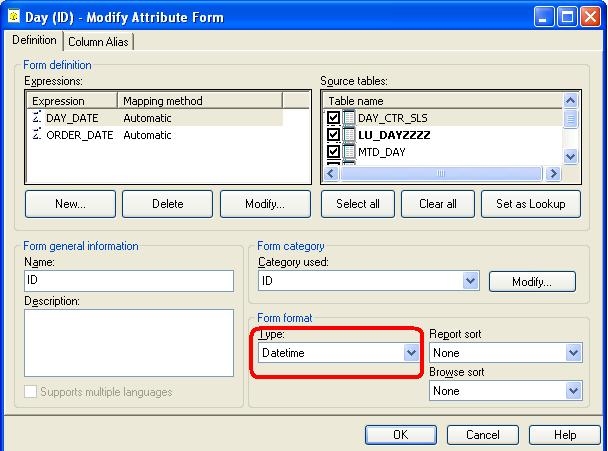
This is because the ID for Date attribute is set to ‘Datetime’ format.
ACTION:
Edit the Date attribute and modify the ID column to Date Type. Save and close and update schema. Now when the filter is created on the Date attribute, only the date will show up.