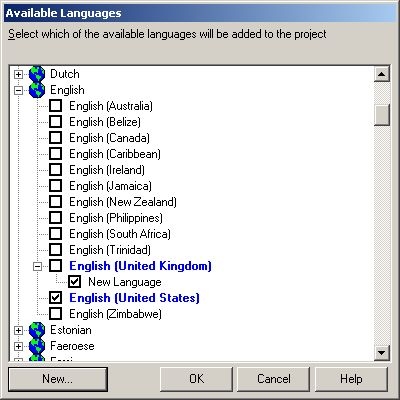
One may want to add a new project language to their project when Internationalization is enabled in Strategy.
The following procedure explains how to do this in Strategy Developer:
1. Open a project in Strategy Developer and right click on it to open Project Configuration:
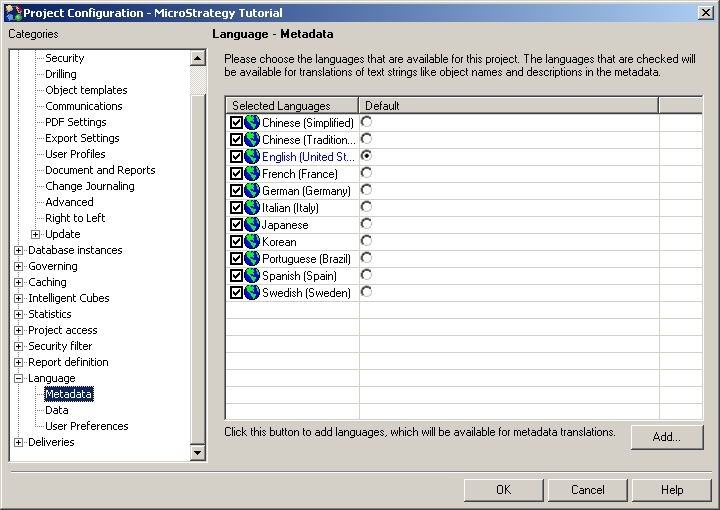
2. Go to Languages and note the different languages that are assigned to the selected project.
3. Click "Add" and a new window will open, click "New":
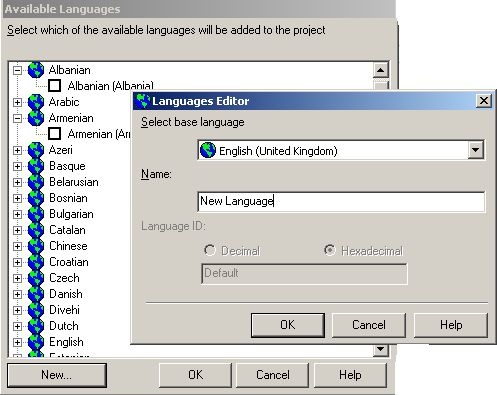
4. After selecting the base language and new name, save and close and the new language will be added to the metadata: