SYMPTOM:
When a report that should display Arabic data in Strategy Developer 9.0.x is executed, the Arabic data is displayed as question marks (???). However, if a user exports the report to Excel, he can see the Arabic data correctly. Also, the Arabic data is correctly displayed if the report is executed in Strategy Web 9.0.x.
CAUSE:
One possible cause for this issue is that the necessary files to display right-to-left languages have not been installed in the machine where the report is being executed in Strategy Desktop 9.0.x.
ACTION:
Follow the steps below to install and enable right-to-left languages in the machine:
1. In Control Panel, select Regional and Language Options;
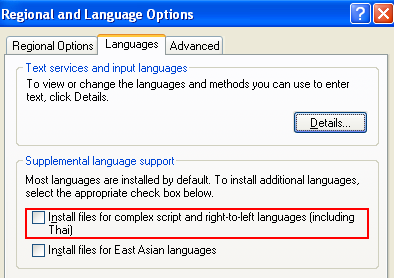
2. In the Languages tab, select to "Install files for complex script and right-to-left languages (including Thai)";
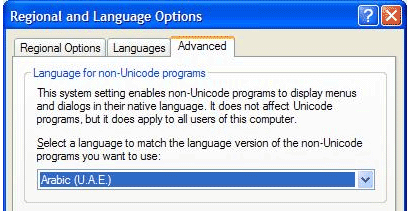
3. In the Advanced tab, select the Arabic language desired in the "Languages for non-Unicode programs" drop down list;