The Quick Switch functionality for grids and graphs in report services documents can be used to easily switch a dataset report between grid view and graph view in Interactive or Flash mode in Strategy Web by clicking on the Quick Switch icon. For more information on this feature, refer to the following technical note:
KB33157: What is quick switch and how to enable it in MicroStrategy Report Services Documents 9.0.x?
Starting in Strategy Mobile 10.1 for iPad, grids/graphs with Quick Switch enabled will also have this feature available when executed in Mobile.
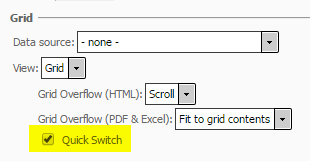
To enable Quick Switch on a grid/graph, navigate to Properties and Formatting > Layout > Grid on the grid/graph object in Design mode in Strategy Web, like shown below:
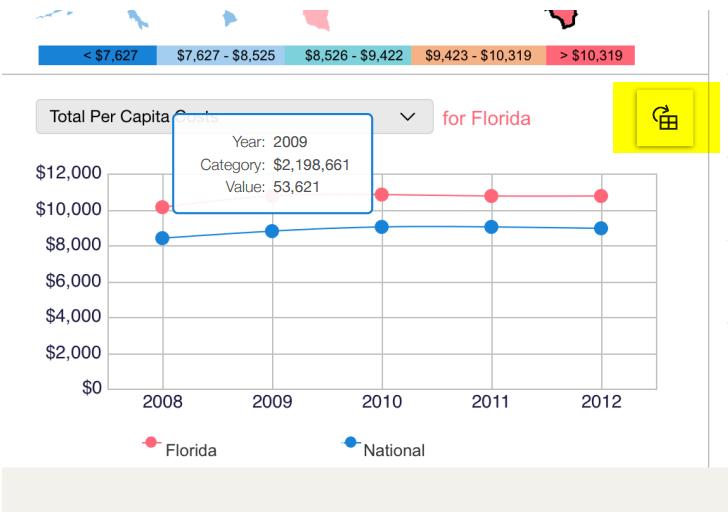
Toggle Quick Switch by tapping the Quick Switch icon on the upper-right-hand corner of the grid/graph object in Strategy Mobile for iPad, like shown below:
The Strategy Internal Reference Number for the issue discussed in this technical note is US1903.
