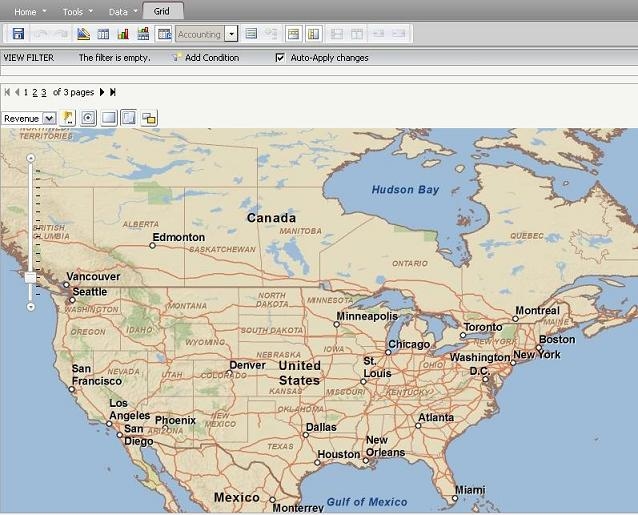
Under certain condition, the ESRI map does not load local ArcGIS server data through proxy in Strategy Web 9.0.2. As the image below, only base map shows up.
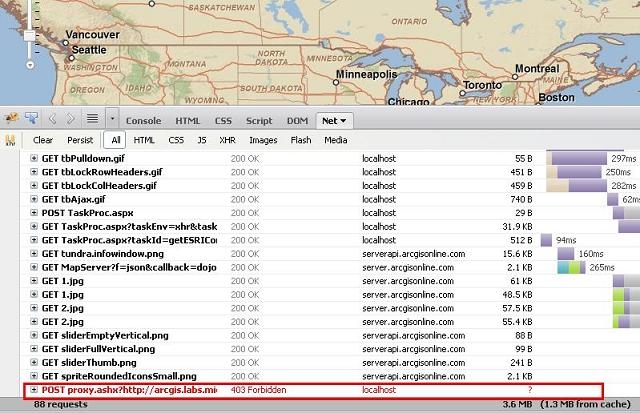
If user turn on Fiddler or Firebug, an HTTP 403 "Access Forbidden" error is shown.
CAUSE:
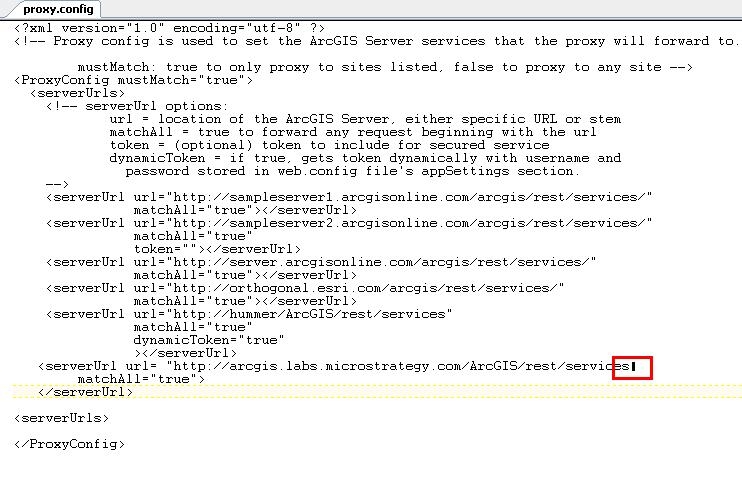
This issue is caused by the incorrect ArcGIS server information typed in the Proxy.config file in Strategy Web plugin folder.
Note: the Proxy.config file is very sensative and if there is any typo, as shown in the image below, the local server will not get recognized:
ACTION:
Correct the typo and use the correct " <quotes>mark, restart web server will correct this issue. Data through local ArcGIS server will display correctly.
KB35940
