SYMPTOM:
In Strategy SQL Engine 9.x-10.x, when the report cache is used, SQL hint in the report SQL view shows incorrect user information.
STEPS TO REPRODUCE:
Follow steps below to reproduce the issue with Strategy Tutorial project:
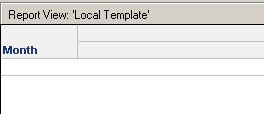
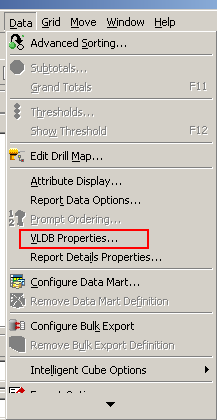
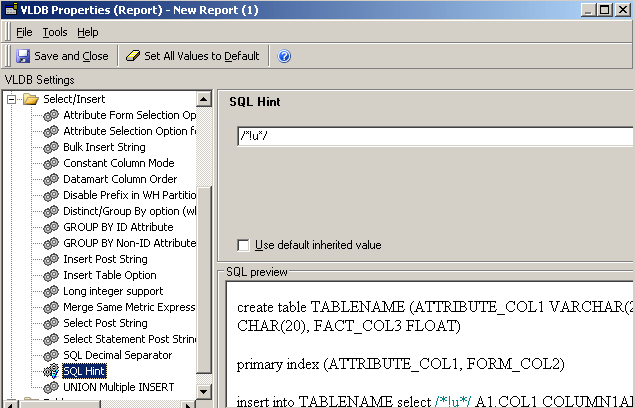
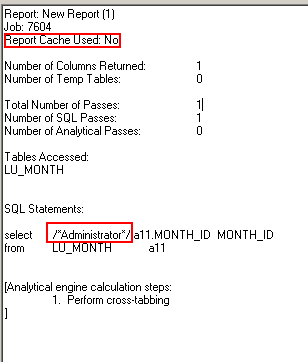
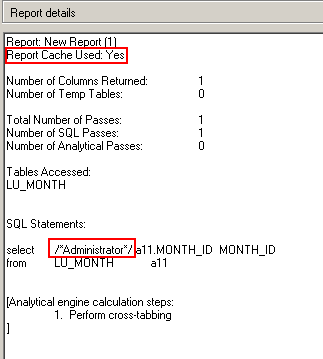
Note that the SQL hint shows incorrect user information when the report cache is used.
CAUSE:
This is working as designed.
Once a cache is generated (by the first user running the report), the cache is used by Strategy SQL Engine for subsequent runs of the same report.
ACTION:
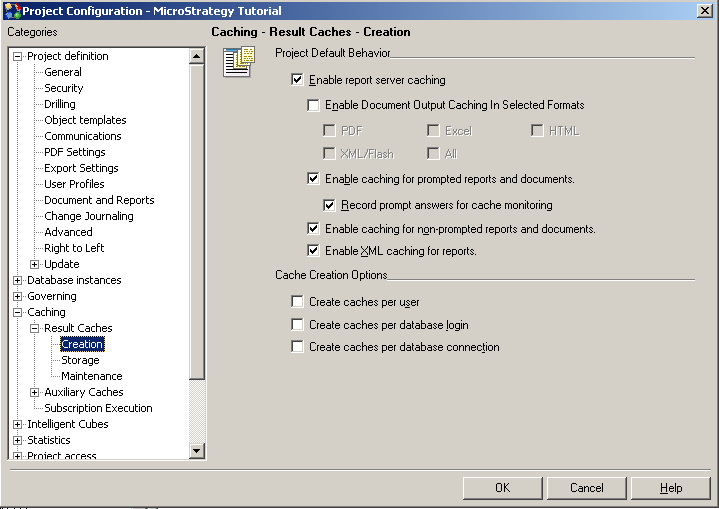
Disable report cache when using SQL hint in Strategy 9.x or Switch to Report Caching Per User from Project Configuration>Caching>Result Caches>Creation>Cache Creation Options>Create caches per user.
