SYMPTOM:
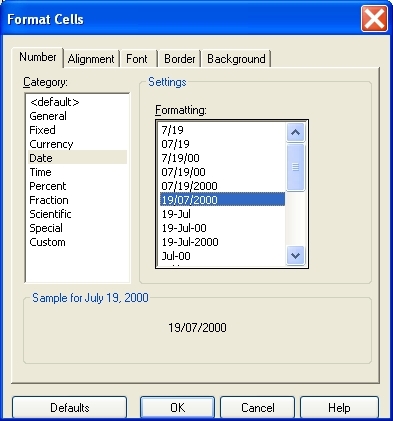
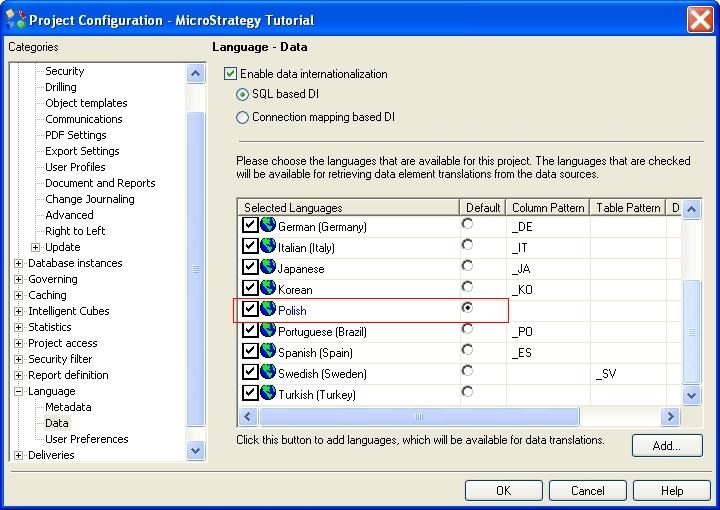
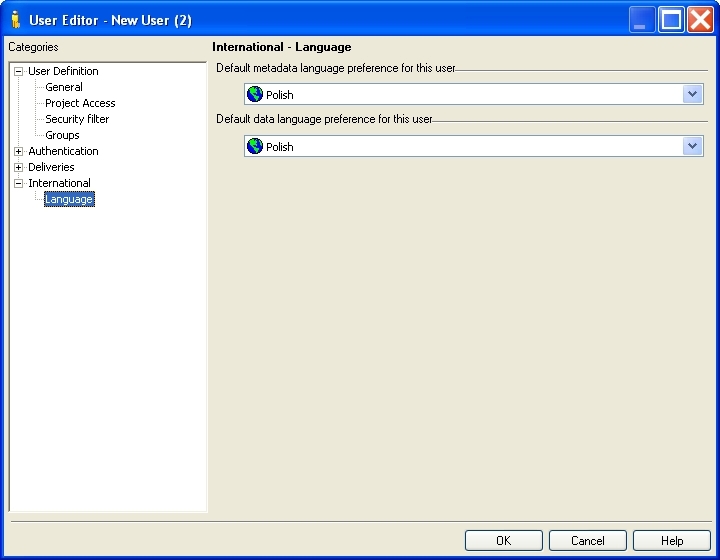
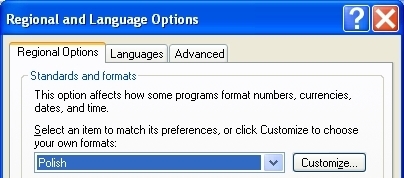
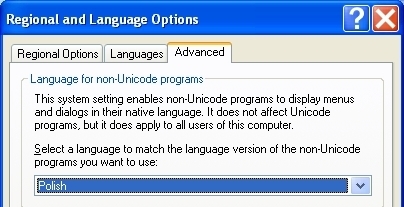
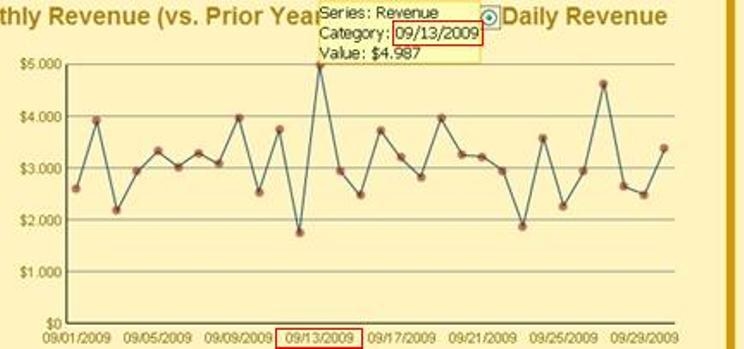
On executing a Report Services document, a user may note that the date given in the output is displayed as mm/dd/yyyy, whereas the expected format would be dd/mm/yyy, on the basis of the language selection at project and user-level, in addition to the standard conventions for the locale. This persists after modifying the date format in the underlying report.
STEPS TO REPRODUCE:
This issue can be reproduced in the Tutorial project by taking the following steps:
CAUSE:
The format of the attribute 'Day' in the base report, from which data for the above graph is drawn, was set to display as mm/dd/yyyy. The report was then added with formatting as a dataset for the report. As a result, any modification made to the format of relevant attribute in the report will not be reflected in the document.
ACTION:
Modifying the dataset report, such that the 'Day' attribute uses the formatting as desired, and adding this back to the document in question will lead to the date being displayed as desired: