SYMPTOM:
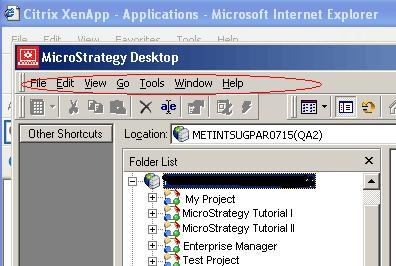
This document explains why the Administration menu is missing when Developer is installed.
CAUSE:
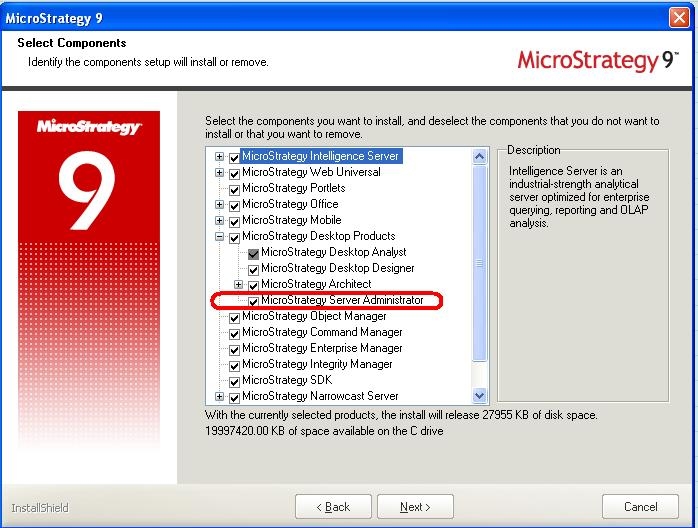
One of the reasons could be that the ‘Strategy Server Administration’ component was not installed as a part of the installation.
ACTION:
Go to Control Panel-> Add/Remove Programs-> Strategy-> Modify and make sure the Administrator component is installed.