SYMPTOM:
When performing a Strategy Enterprise Manager 9.x dataload, the following error message is displayed and generated in the MSTRMigration.log file:
Displayed:
Sample Code/Error
Data loading has failed! There is no project to transfer; this could be because all the projects are unloaded, idle or deleted
MSTRMigration.log:
Sample Code/Error
WARNING: Cannot load data from Project <Project Name>. This could be because the Project is unloaded, idle or was deleted.
CAUSE:
There are two possible causes for this issue:
ACTION:
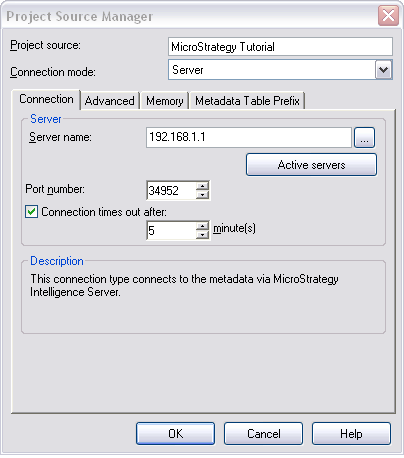
To resolve the issue of the IP address not resolving correctly perform one of the following actions: