SYMPTOM:
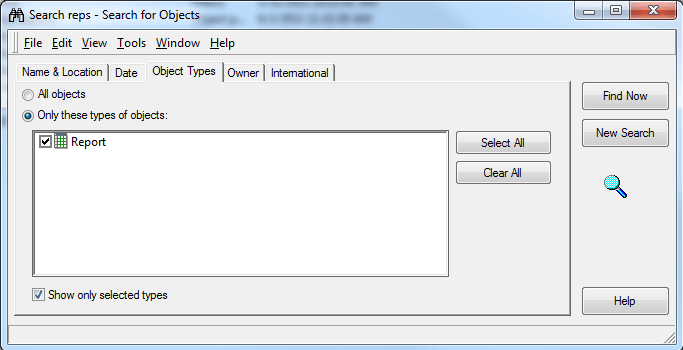
Consider a search object which searches for objects of type 'Report' within a specific folder, as shown:
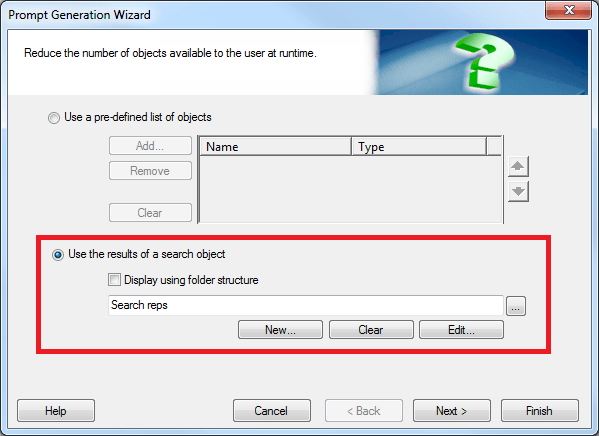
Consider that an object prompt is created which restricts the number of selections using this search, as shown:
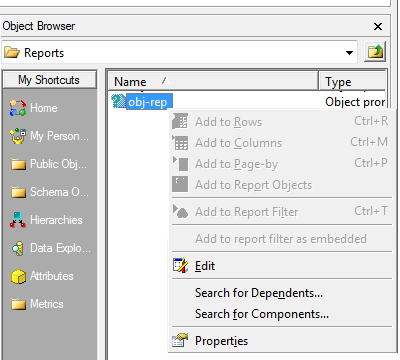
The above object prompt cannot be added to a report. The selections to add the prompt remain disabled, as shown:
By design, a report can be added to the filter of another report, so the above object prompt should be allowed to be added to the report filter. The same behavior is observed when the search object attempts to retrieve hierarchy objects. An object prompt using such a search should be allowed to be added to report template.
CAUSE:
This is a known issue with Strategy Developer 9.x and 10.x
ACTION:
Contact Strategy Technical Support for an update on the status of this issue.
WORKAROUND:
Depending on whether the object prompt should be added to the report filter or template, the search object can be modified to retrieve filter or template types:
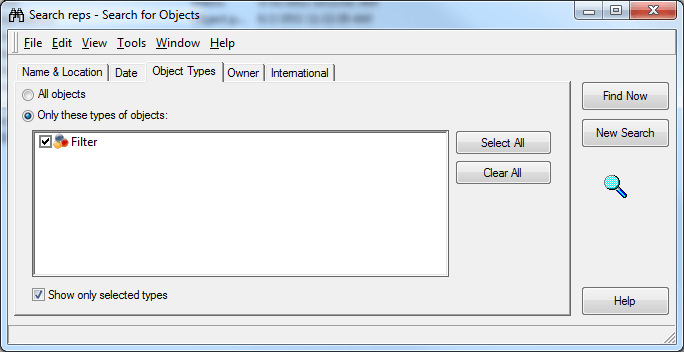
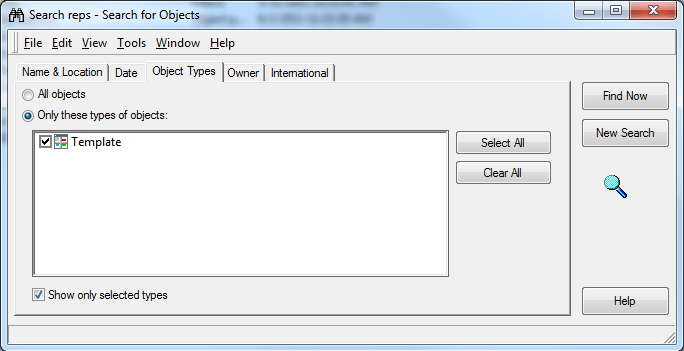
The object prompt using the search object can now be added to the report. Once the prompt has been added, modify the search object to remove the filter/template type, and have the original definition.
