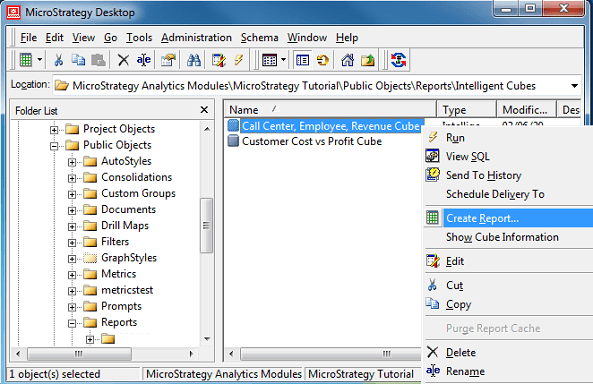
Developer Analyst and Developer Designer with the corresponding privilege to use the Report Editor can build reports using all available schema and application objects. Now, due to security requirements, users may only be allowed to build reports based on Intelligent Cubes as in that case only objects of that particular cube can be used.
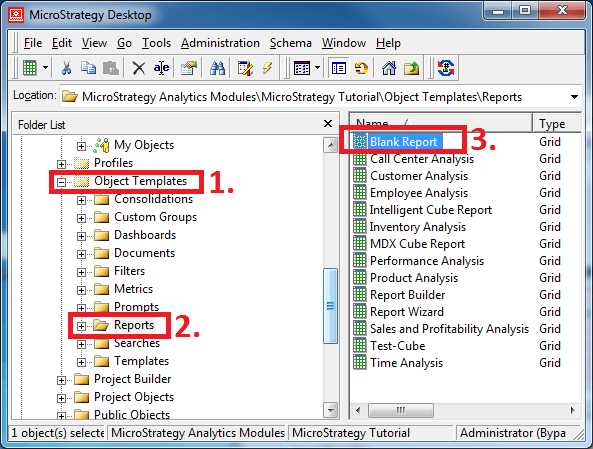
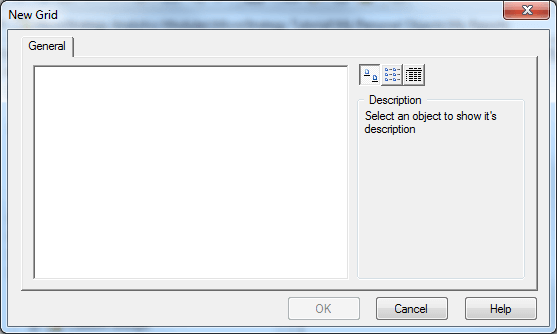
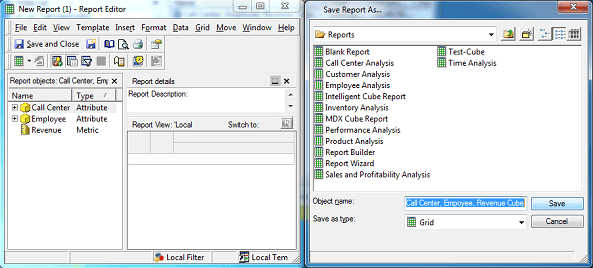
By default, users creating a new report have a choice of report templates such as 'Blank Report' when opening the Report Editor. Using the 'Blank Report' template, a user can access all available schema and application objects (with corresponding permissions) and use them to build or modify reports.
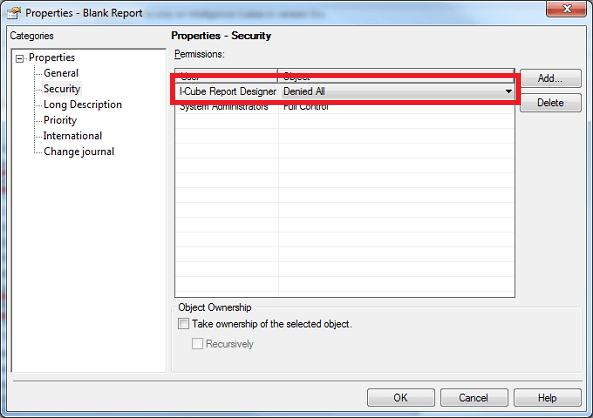
Therefore, by restricting access permissions to the template objects, administrators can control the type of reports a user can build, i.e. in this case only reports based on Intelligent Cubes.
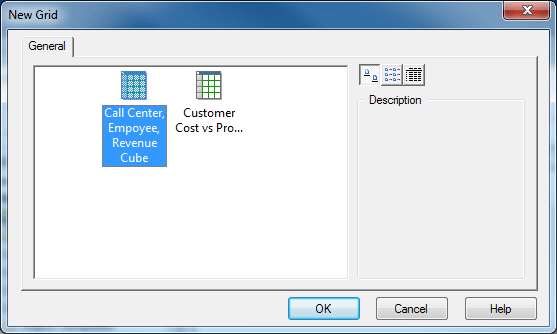
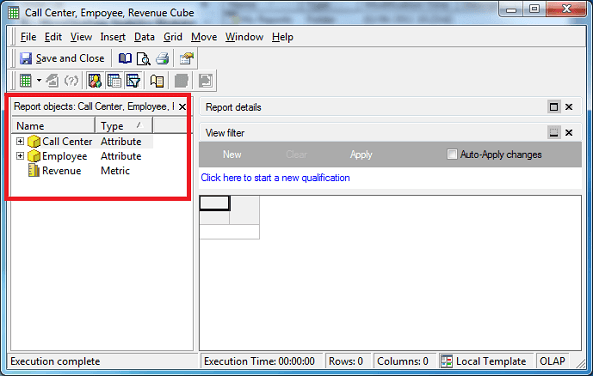
The following steps will show how to allow the user group 'I-Cube Report Designer' to solely build reports upon Intelligent Cubes:
In addition, if users should not be allowed to modify existing reports, administrators should adapt the permissions for the particular report objects (on report or folder level) by following instructions outlined in TN: 8802 - Explanation of Strategy 8.x Access Control List permissions.
