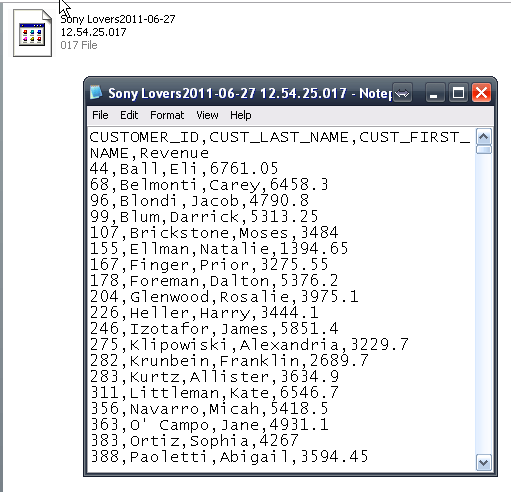
The Bulk Export feature enables a large report to be saved as a delimited text file. Using this feature, it is possible to retrieve result sets from a large dataset without having to load the entire dataset into memory.
NOTE: Once a report is setup for bulk export it cannot be used as a regular report. So if the report needs to be run as a normal report and as a bulk export report, the first step is to make a copy of the report for use with bulk export.
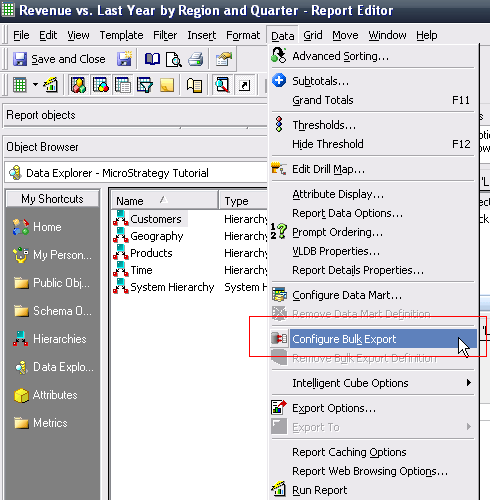
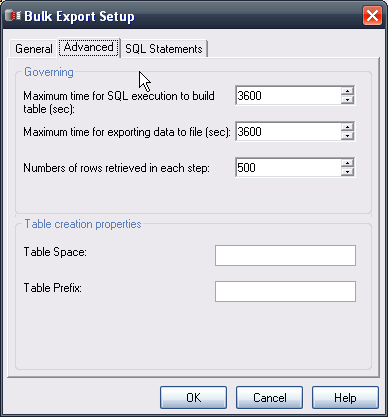
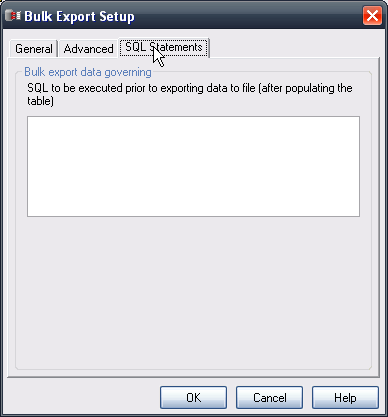
Configure Bulk Export
After saving and closing the report, the icon will change in Strategy Developer and the report type will be 'Non Interactive':

Setup the Bulk Export Subscription
Only file based subscriptions can be used with bulk export, thus bulk exports can only be subscribed to in Strategy Web.
Using Strategy Web, navigate to the bulk export report, and setup a file based subscription. The options available are the same as any other file subscription that can be created:
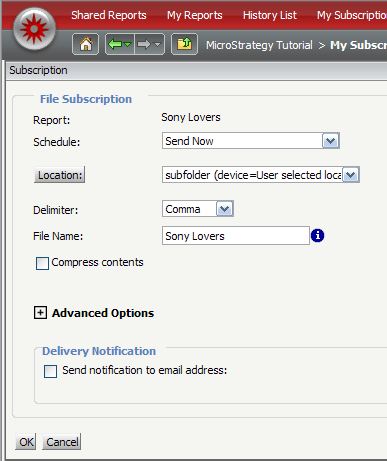
When the subscription runs it will incrementally write data to the file based on the governing setting. The resulting file will be a text file:
f