SYMPTOM:
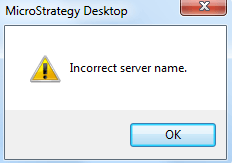
When attempting to connect to a 3-tier project source in Strategy Desktop 9.x and Developer 10.x, users may experience the following error:
Sample Code/Error
Incorrect server name.
CAUSE:
This issue occurs because the machine name specified in the projfect source is not valid or exists outside of the network.
ACTION:
Double check the machine name specified by right-clicking the project source in Strategy Desktop 9.x or Developer 10.x, and selecting Modify. Ensure that this is the correct machine name for the Intelligence Server machine.
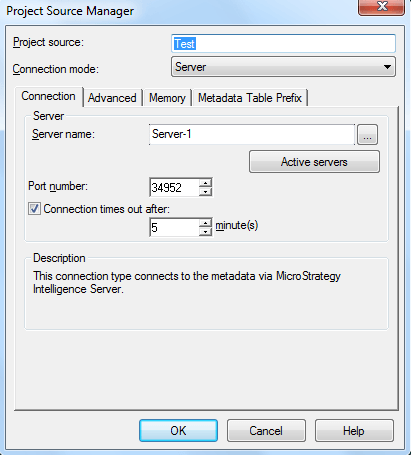
Alternatively, users may use the IP address of the desired server in place of the server machine name.
