Consider a scenario of a line graph report. This document explains how to change the shape of the data marker (highlighted below).
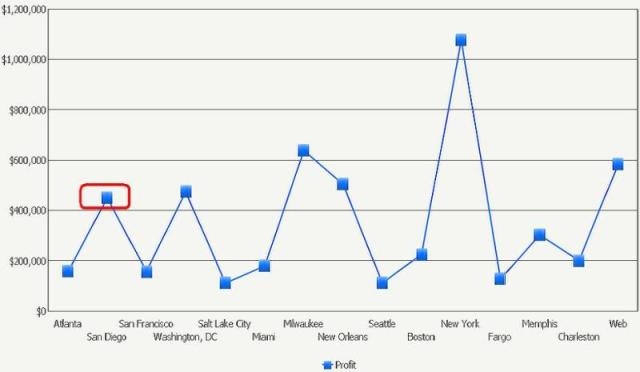
In order to change the shape, go to Graph menu-> Preferences-> Vertical Line Options-> General-> Marker Shape. Change the shape as per the need.

As seen below, the line graph will now have diamond-shaped markers.

