SYMPTOM:
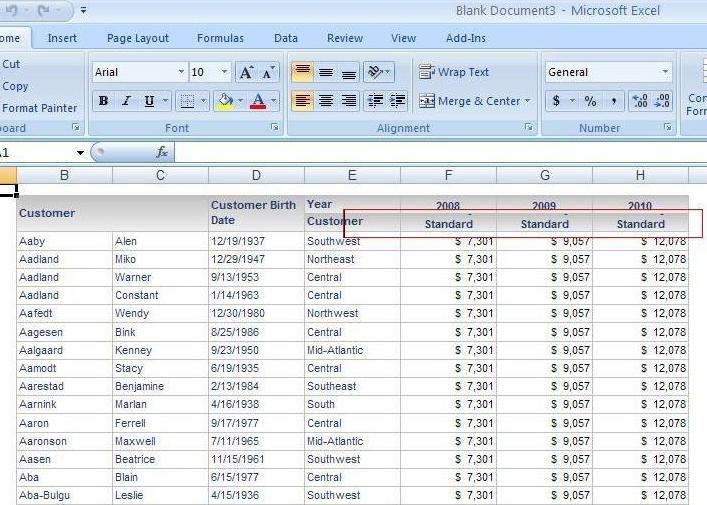
When an attribute or metric on a report is long, after the report is placed on a Report Services Document and exported to Excel, the row cell heights do not get resized automatically to fit the text. It works fine in PDF and exporting the report directly to Excel.
STEPS TO REPRODUCE:
CAUSE:
The rows are not being resized automatically because the option is not selected in the Properties for exporting to Excel.
ACTION:
Right mouse click on the document section in which the grid is placed and go to Properties > Layout > Excel > Check the option 'Automatically fit rows'. This option will then allow Strategy to use auto-fit row heights for the document in Excel.

