Strategy Analytical Engine 9.2.1 includes a new VLDB property, Custom Group Display for Joint Elements'. This setting is accessed within Project Configuration -> Project Definition -> Advanced. From here there will be a section for Analytical engine VLDB properties and an option to "Configure".

Within here there are two options for this property:
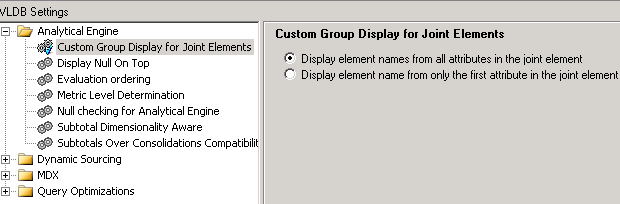
The first option will display the names of all the attributes in the joint element with a pipe character separating the names as shown below:

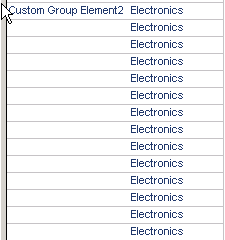
The second option will have the joint element display as it did in 8.x, where it only displays the first attribute in the joint element name as shown below:
NOTE: The "first" attribute is determined alphabetically. The order is not determined by the order in which the attribute was added into the joint element list.
This VLDB property is set at the project level and can be changed by following the steps below:
KB37232
