SYMPTOM:
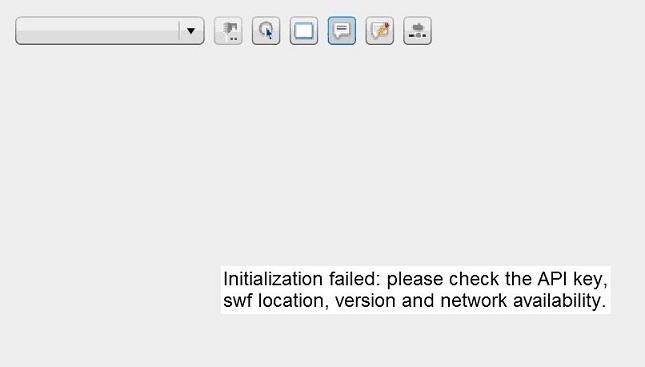
"Initialization failed: please check the API key, swf location, version and network availability" error occurs when loading Google Map using Consumer Key on Strategy GIS Connector 9.x.
CAUSE:
This issue occurs if user registered a Google API license with a domain starting with "www".
ACTION:
Re-register the Google API license with the same domain without "www".
For example: if user domain is http://www.domain.com
On API registration, register http://domain.com instead.
