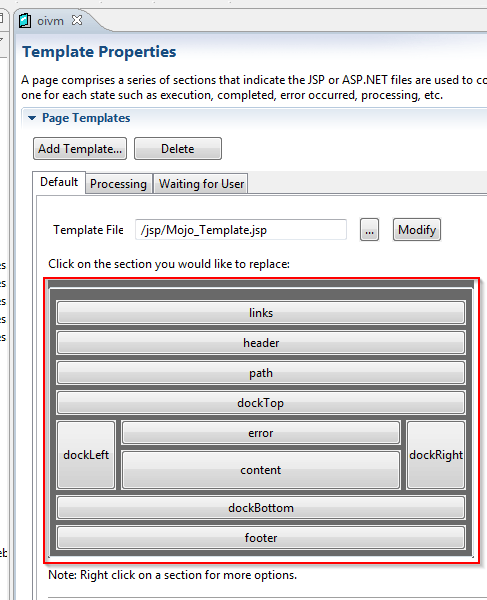
SUMMARY: When users try to edit or replace any sections of the express view (OIVM) page for report writing documents they do not see any files associated with the section under Template Properties in the Web Customization Editor as shown below:
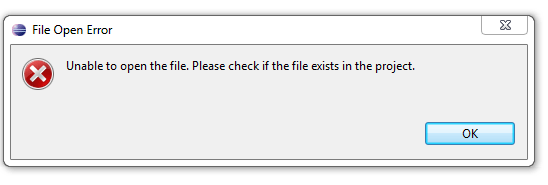
When users right click on the header section they receive a message saying : "Unable to open the file. Please check if the file exists." as shown below:
Users can see the sections associated to the respective aspx/jsp files in the pageConfig.xml file as shown below,
<template XMLmerge_id="2" error-title-id="mstrWeb.921" iframe="false" allow-cancel="false" file-name="Mojo_Template.aspx">
<page-sections use-default="false">
<page-section file-name="OIVM_Header.ascx" name="header_mojo" />
<page-section file-name="OIVM_Content_Mojo.ascx" name="content_mojo" />
<page-section file-name="OIVM_Content_Core.ascx" name="content_core" />
</page-sections>
</template>
CAUSE:
This is a known issue with Strategy Web SDK version 9.x.
ACTION:
Contact Strategy Technical Support for an update on this issue.
