SYMPTOM
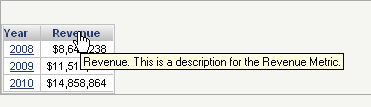
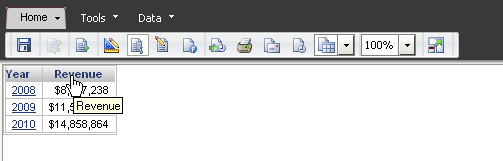
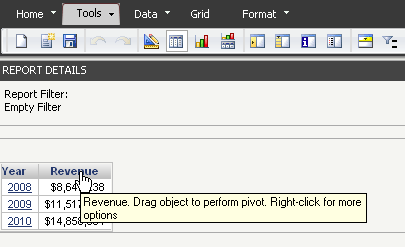
After adding a description in the properties for a report object in Strategy Web 10.x, users expect to see the description appear in the tooltip when hovering above the object. Instead, users may observe that the tooltip displays, for example, "Metric: Revenue" when hovering over the object in the Report Objects or Datasets pane, or "Revenue: Drag object to perform pivot" when hovering over the object in a grid.
Note: The description can be modified in the properties for an object by going to Desktop and right-clicking on the object > Properties. A text field for the description is available in the General section.
ACTION
Go to Web Preferences > Project Defaults > Grid Display and select "Show object descriptions as tooltips in grid."
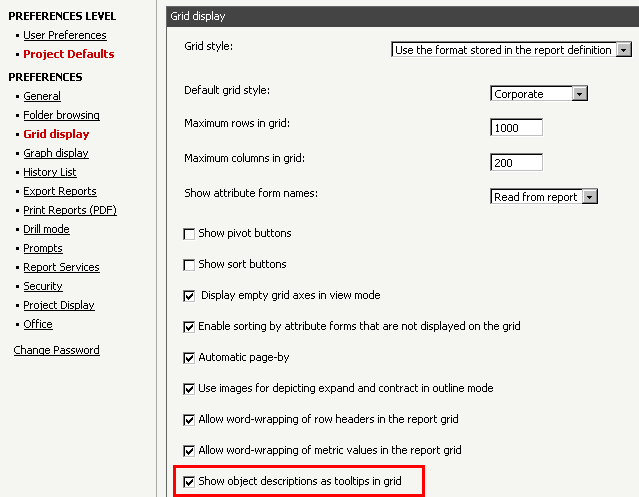
After enabling this option, users will be able to see the object's properties description as the tooltip.