SYMPTOM:
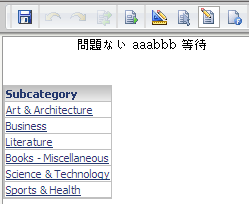
Double byte characters are not displayed properly in the PDF file exported via Strategy Web 10.x with Intelligence Server Universal running on Unix/Linux.
Refer to the following Knowledge Base technical note for details on how fonts are handled when exporting to PDF from Strategy Intelligence Server Universal running on Unix/Linux :
KB41194: How to install and use fonts for Reports/Documents/Dashboards for the Export Engine with MicroStrategy Intelligence Server Universal 9.x-10.x on Unix/Linux
STEPS TO REPRODUCE:
CAUSE:
This is by design. As indicated in technical note KB41194, when Strategy Intelligence Server Universal is running on a Unix/Linux platform, all fonts are converted to 'Courier New' font for reports/documents exported to PDF. The 'Courier New' font however does not support double byte characters (such as Japanese, Chinese, etc.) and hence the issue.
ACTION:
Install the corresponding double-byte fonts in the "PDFGeneratorFiles" folder within the Strategy installation path on the Unix/Linux machine. For a default install of the Strategy Intelligence Server the path to this folder is <MSTR home path>/install/PDFGeneratorFiles.
KB37416
