SYMPTOM:
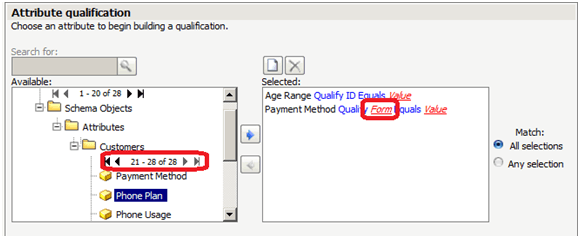
In Strategy Web, attribute qualification defaults to "Form" instead of "ID" in an attribute qualification prompt when browsing attributes in multiple pages, as shown below:
STEPS TO REPRODUCE:
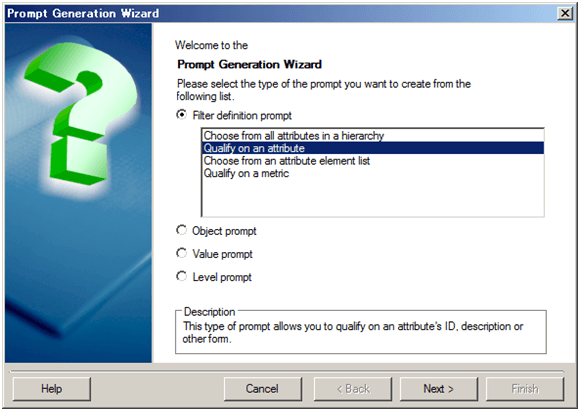
Follow the steps below to reproduce the issue with Strategy Tutorial project:


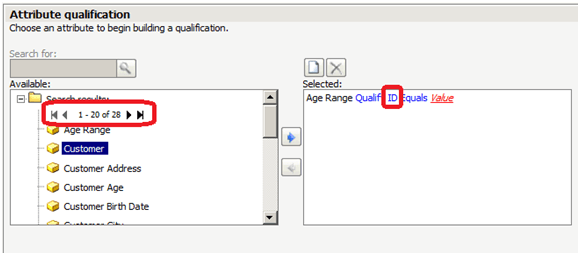
Note that when browsing to attributes in other pages, the attribute qualification defaults to "Form" instead of "ID".
CAUSE:
This is a known issue with Strategy Web 9.4.1 and 10.x.
ACTION:
Strategy will continue to investigate and post updates as soon as they are available.
WORKAROUND:
In Strategy Web preference, increase the value for "Maximum number of report objects per block" to list all attributes in a single page.
