SYMPTOM:
Report with metric definition Sum(A/B) (both A and B are facts) does not hit an intelligent cube when dynamic source is enabled in Strategy Developer 10.x
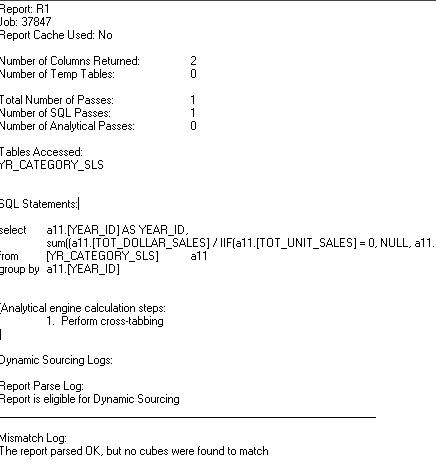
Following entries are caught in the Dynamic Sourcing Mismatch log:
Sample Code/Error
Report Metric vs Cube checks failed.
Error code: CMI_NO_GOOD_CANDIDATE_METRICS_FOUND
STEPS TO REPRODUCE:
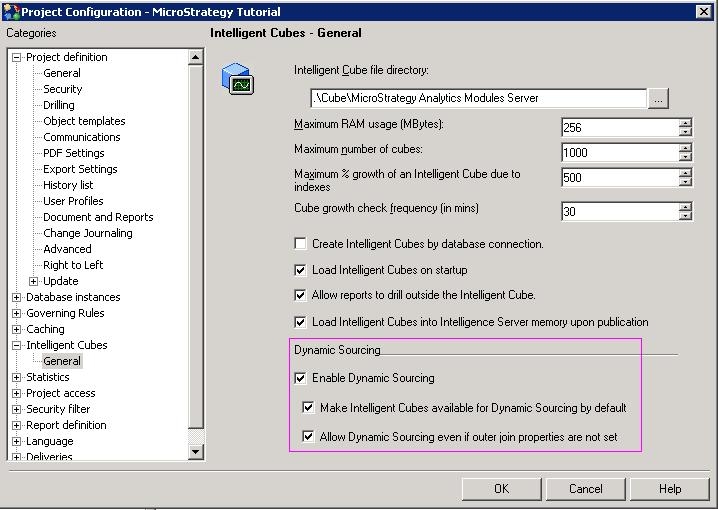
1. In Strategy 3-tier Tutorial project, enable dynamic sourcing for the project as show below:
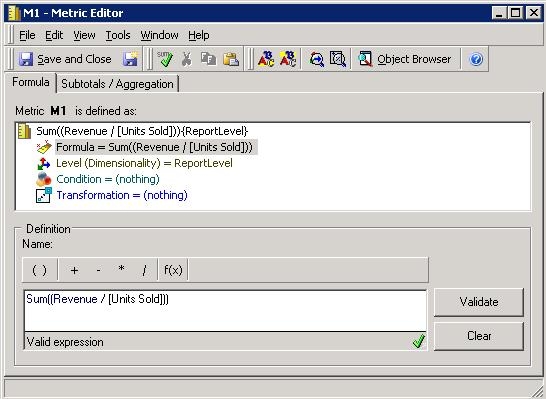
2. Create a metric called M1 with the definition Sum((Revenue / )) {~} , and make sure Revenue and Units Sold are both Facts as shown below:
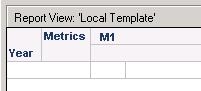
3. Create an Intelligent Cube called Q1 with the metric M1 and Year attribute as shown below, then publish it.
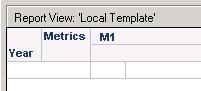
4. Create a new report called R1 with metric M1and Year attribute as shown below:
5. Enable the both Mismatch log and Report Parse log as shown below:
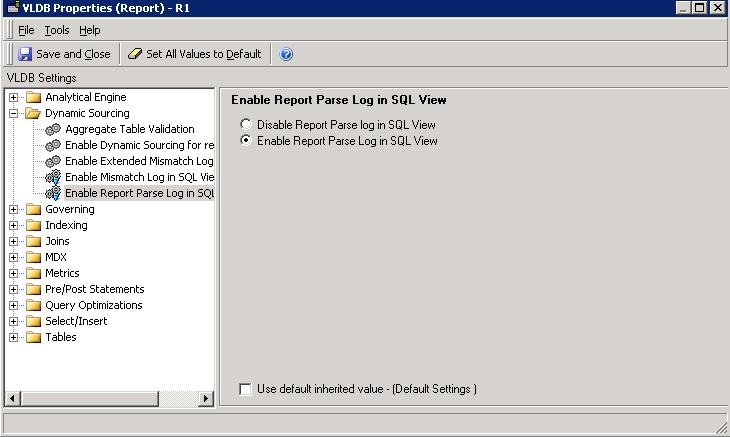
6. Execute the report, and notice in the SQL view the report does not hit the Intelligent Cube as shown below:
CAUSE:
This is working as designed. Dynamic Sourcing cannot be used when the metric uses zero checking.
ACTION:
Follow steps below to modify the metric:
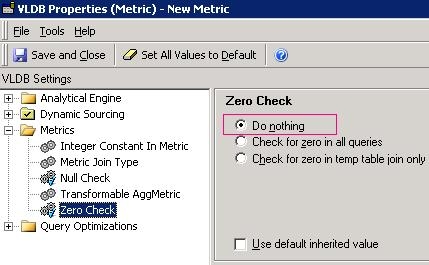
1. Navigate to Data > VLDB properties> Metrics. For the 'Zero Check' VLDB property, select “Do nothing” as shown below:
2. Rerun the report and the Intelligent Cube can be accessed now.
