Removing the Intelligence Server name from the Projects page:
Before Customization:

After Customization:

Removing the Intelligence Server name from the Login page:
Before Customization:
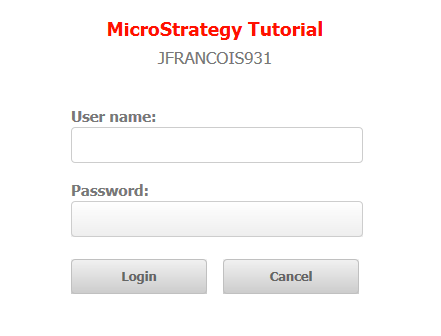
After Customization:
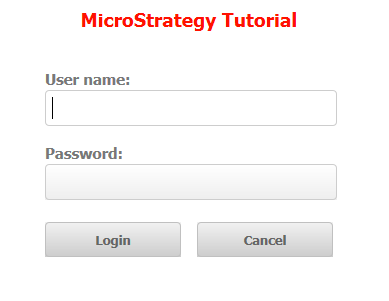
To remove the Intelligence Server name on the Login page, follow the same steps as above except for step 9. For step 9, modify the LoginStyle style. The node that needs to be removed is as follows:
Sample Code/Error
<div class="mstrServer">
<mstrlayout:render name="serverSection"/>
</div>
The example provided in this document is provided “as-is” to the user and assumes that the user:
PREREQUISITES:
For the sample to work, the Strategy Web JAR files must be accessible by the Java Runtime
Environment. The Strategy Web JAR files can be found under:
