SYMPTOM:
When exporting a dashboard to PDF, any selectors on the dashboard will be given a black border even when the border settings are set to none.
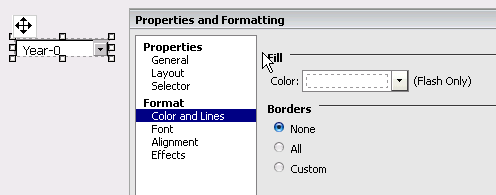
Exporting this dashboard to pdf will display the following:

ACTION:
An enhancement was logged to disable border around selectors during PDF export, but Strategy decided not to address it. Users who would still like to see this should post to the Ideas Exchange.
Workaround:
In order to remove the border manually, change the custom setting for the border and set one of the border options to a setting other than none:
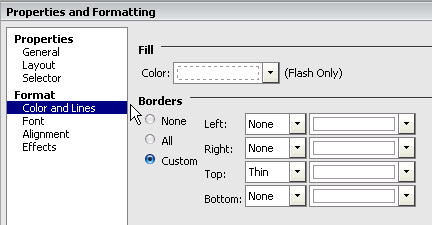
Strategy will now use these settings when creating a border around the selector.

