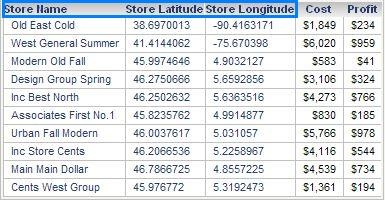
In a grid report, by default the attribute form headers are not displayed, as shown below:
It is possible to show these form names in Strategy Web, and the following instructions show how to display the headers on the project, user, or report level.
STEPS TO FOLLOW
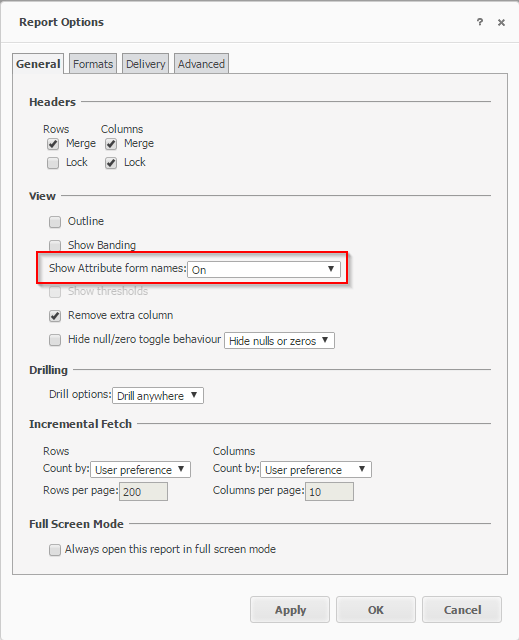
In order for the attribute form name to be displayed on the report level:
To enable this option on the project level:
To set this option on the user level:
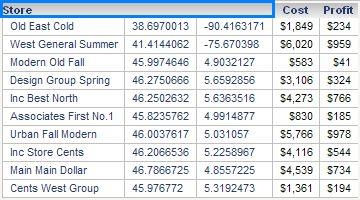
After the attribute form names are enabled, the grid will display all form names: