SYMPTOM:
The following steps were used to reproduce the issue in Strategy Tutorial project:
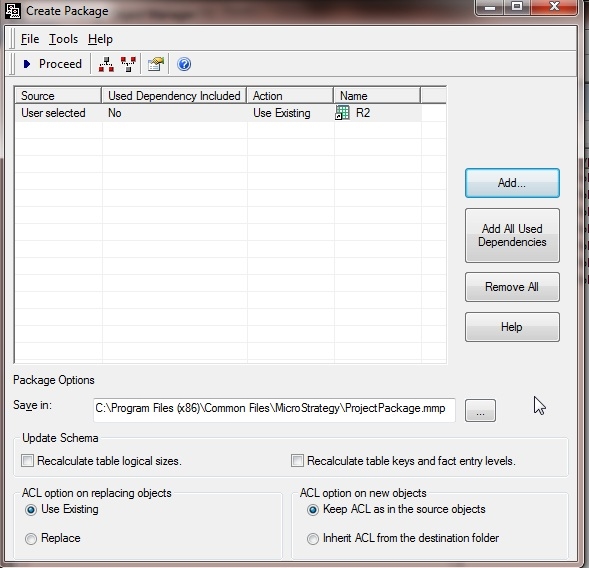

The source manipulator found a missing dependency. Object: <Report Definition id=xxx> is not found. A total of 1 object(s) need it, one of which is <Shortcut id=xxx>. Please turn on the log for more information.
CAUSE:
This error is seen because the package containing the report shortcut doesn’t have the original report.
ACTION:
When creating the package with the report shortcut, make sure to include all dependents by selecting the option ‘Add All Used Dependencies’.

