In Strategy Developer, the following error is shown when trying to drill on a metric value:
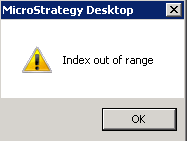
Index out of range
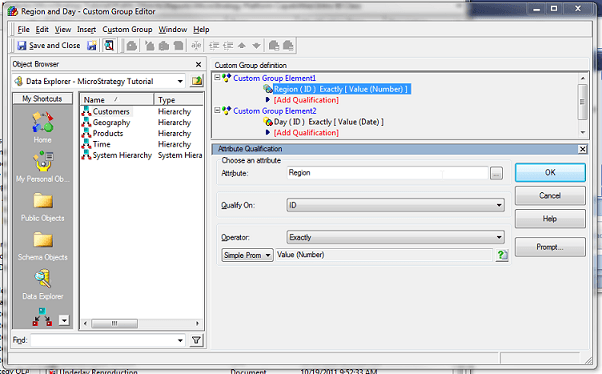

Notice how this custom group is created like any other, but the only different thing is when qualifying on the attribute ID, when Exactly is selected (or any operator other then 'In list', 'Not in list', 'Is Null', and 'Is Not Null'), the user has the ability to select the prompt icon to create the value prompt.
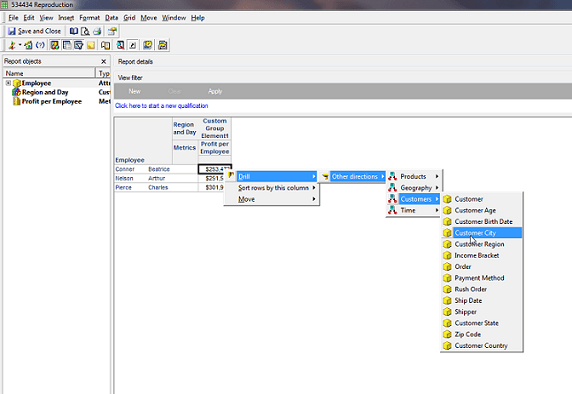
Below is an example of how the drill path would look right before the error occurs. Note, in the below screenshot, the error will show as soon as 'Customer City' is selected.
CAUSE:
This is a known issue in Strategy Developer 9.x and 10.x
ACTION:
Contact Strategy Technical Support for an update of this issue.
