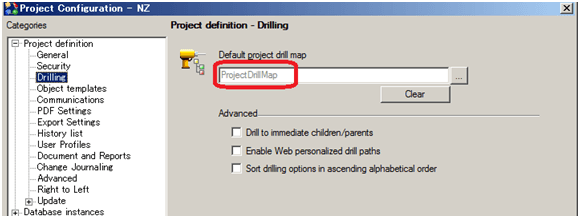
In Strategy Developer, go to Project Configuration -> Project Definition -> Drilling, note that the project level drill map is set as “ProjectDrillMap”, as shown below:
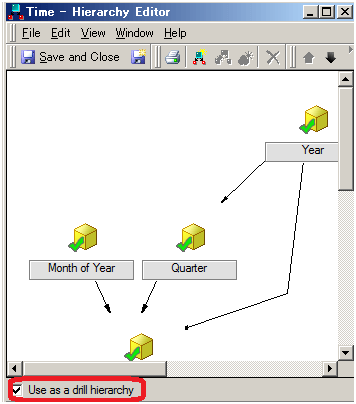
When a new hierarchy is created with the option “Use as a drill hierarchy option” enabled for a project without any Default project drill map is defined, as shown below:
“ProjectDrillMap” drill map is created under Drill Maps folder as a hidden Strategy Application object. In ProjectDrillMap drill map editor, the newly created hierarchy is added to Drill Across dimension, as shown below:
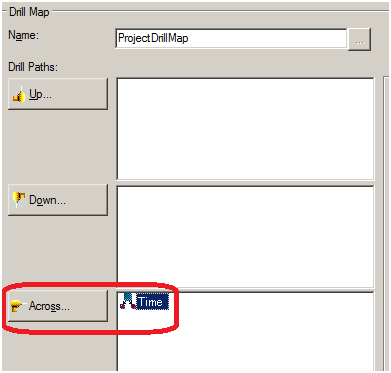
In this configuration, when creating additional hierarchies with the option “use as a drill hierarchy” enabled, they will be added to drill across path of “ProjectDrillMap” drill map.
Strategy Only Begin
This issue has been logged as Scopus ID 514205.
Strategy Only End
