After the Demo Mobile Server has been deleted from the Strategy Mobile app on an iPad, the user is not able to configure parameters to restore the application to its initial state, without deleting and reloading the application.
In order to download the configuration setting, use following procedure:
1.- Start the browser
2.- Write on address bar the url: http://www.microstrategy.com/config and press GO.
The link will redirect to the 'Restore Strategy App Defaults' web page.
3. Touch the blue area to reset the application.
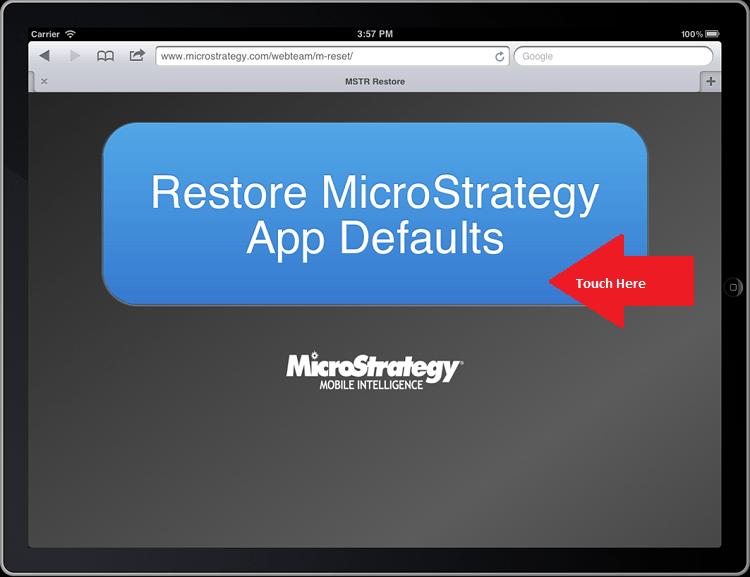
The application will restart and default home page will be displayed.
NOTE:
The configuration created with a later Mobile server may not work well with earlier iOS app releases.
