SYMPTOM:
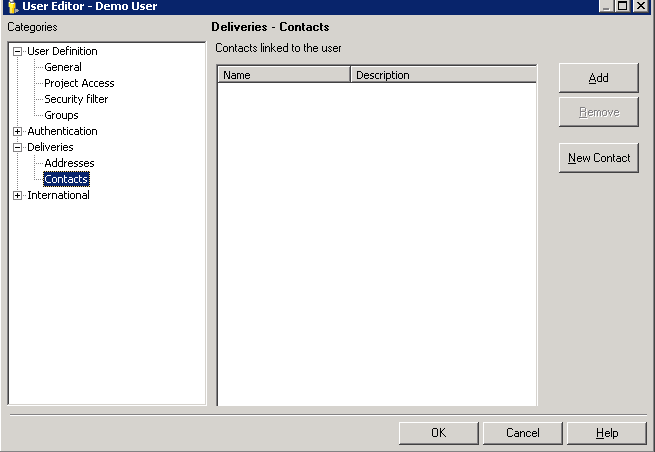
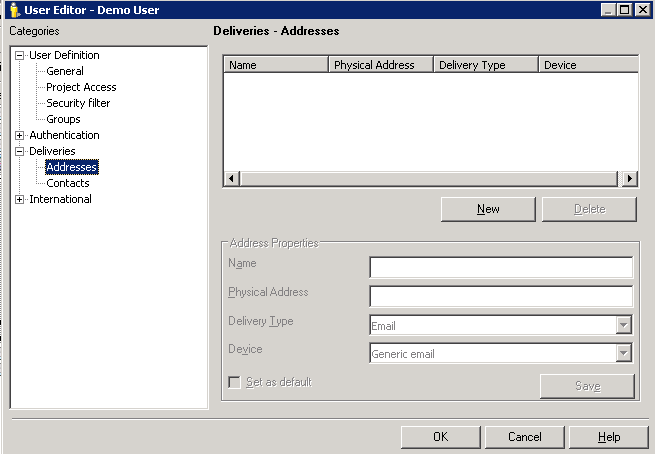
Some users may remain in the Contacts Monitor which is found under Administration > Delivery Managers in Strategy Desktop even though there is no Distribution Services Contact or Address associated with them.
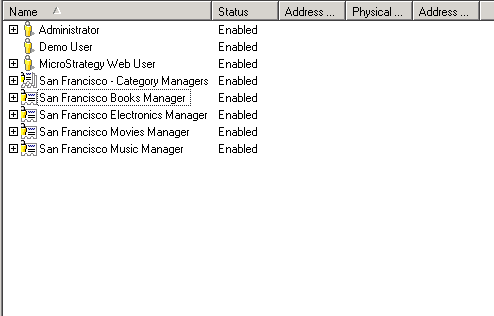
In the image below, notice there is no plus (+) sign to expand the user "Demo User" since there is no contact or address for it.
CAUSE:
This is working as designed. Users appear in the Contact Monitor once they have been added as recipients of History List or Mobile subscriptions or once an email, file or print address has been created for them.
Users will remain in the Contact Manager even after deleting all their addresses or unsubscribing them from History List and Mobile subscriptions.
ACTION:
This behavior occurs by design. Users must be deleted in order to be removed from the Contacts interface.
