When a selector is created in a Report Services document, the elements that appear in the selector are typically expected to match with the ones the users would see in the target grid and/or graph. However, there may be a specific user requirement that the selector should list ID form elements while the target shows DESC or other forms.
Once selector is created from the grid or graph in the dataset, you cannot edit which form's element to appear in the selector. Therefore, you need to make sure that the desired form is selected as display form when the selector is created. Strategy Tutorial is used to illustrate:
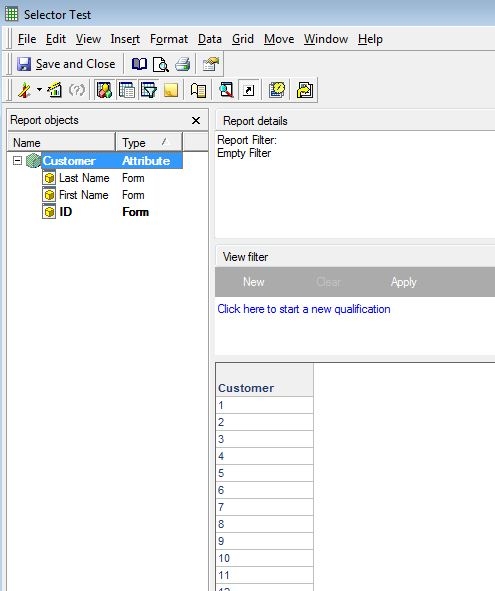
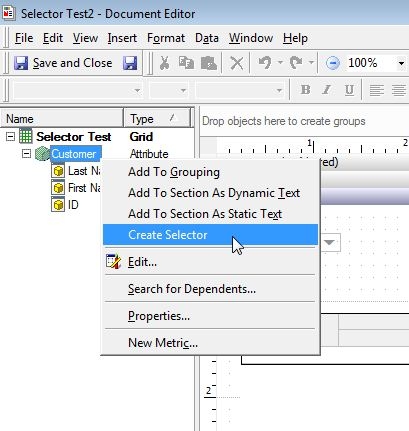
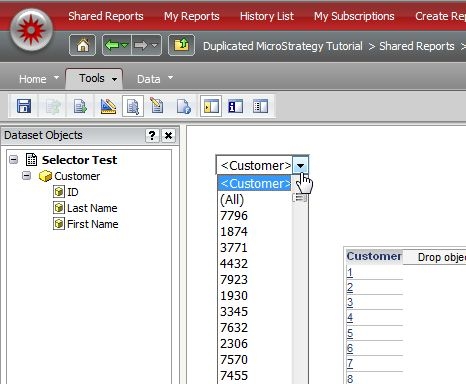
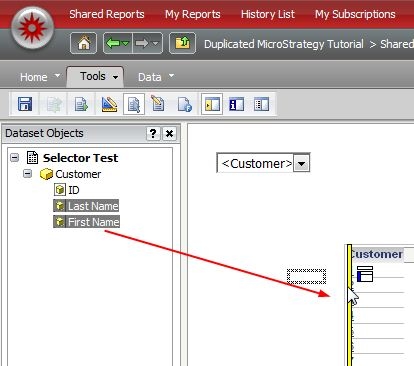
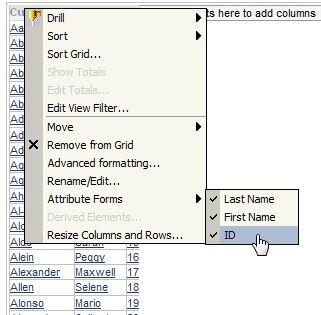
While forms that appear on a grid can be edited in the document, form element to appear in the selector can be specified only when the selector is created. If adding the selector from this setting, the forms used in the grid appear.
