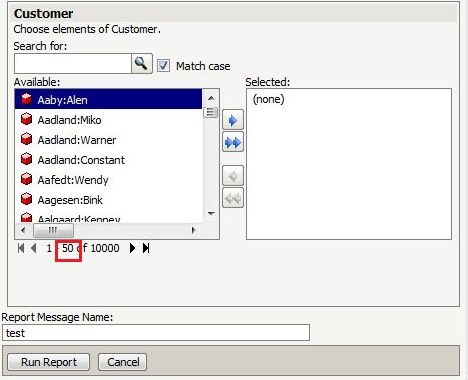
By default, Strategy Web displays 30 elements at a time in the 'Available' panel during prompt resolution, as shown below:
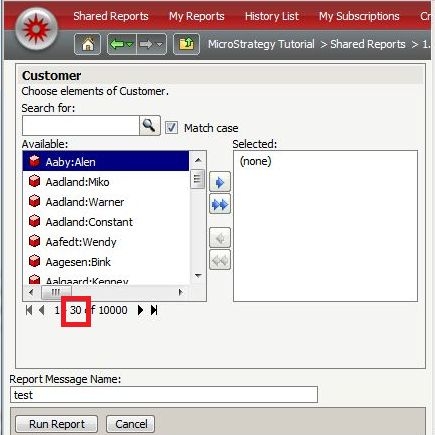
The following procedure illustrates how to increase this number to another figure, such as 50:
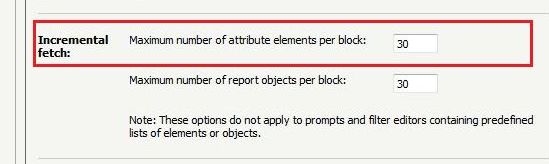
1. Log into the project as an administrator user and go to Preferences > Project Defaults > General.
2. Under 'Incremental fetch' set 'Maximum number of attribute elements per block' = 50. Apply the changes.
Note that Strategy Web will now display 50 elements at a time during prompt resolution as illustrated below: