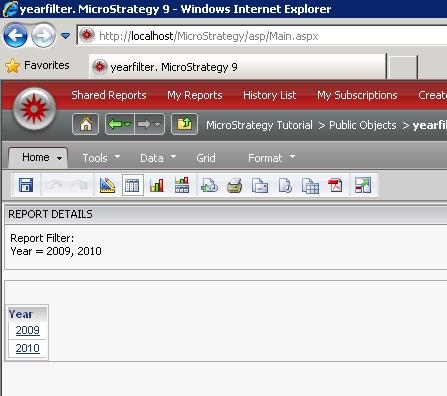
SYMPTOM:
A 404 or page not found error is shown when clicking on an object in a document with a report link defined.
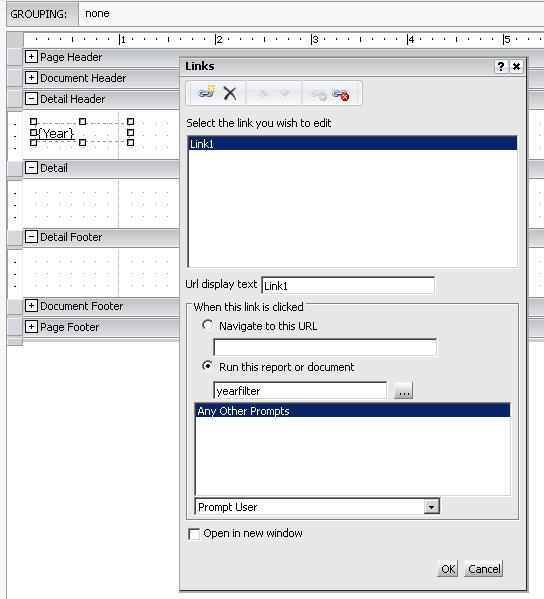
The report link is defined in the link editor like the following.
CAUSE:
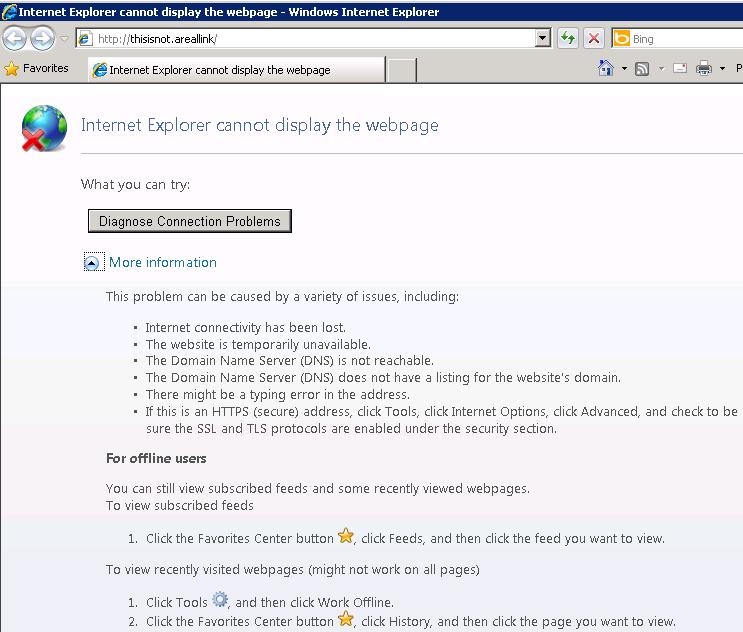
Notice the link at the top of the error and see it doesn't correspond to the correct link for a Strategy Web report or document. In the example above the link is "http://thisisnot.areallink/".
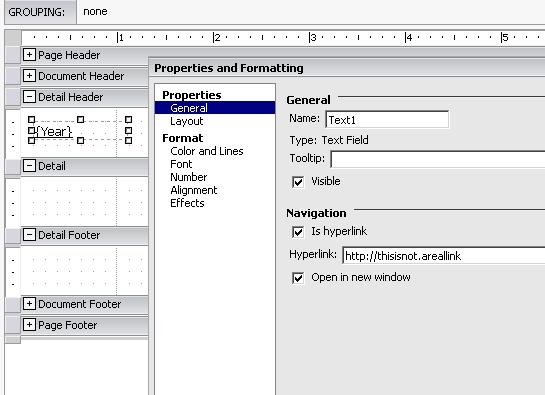
Upon editing the properties of the textbox and looking at the hyperlink property it can be seen to be set to the specific incorrect link above.
ACTION:
To resolve this issue uncheck the "Is hyperlink" option for the object in question. Alternatively in Developer the link property can just be cleared out in the property set of the object. Clicking on the object in Web after this change correct links to the report as defined in the report link.