SYMPTOM
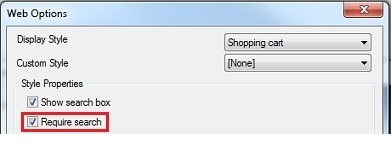
When designing a hierarchy prompt in Strategy Developer 9.4.1, it is possible to configure the Web Options so that searching is required:
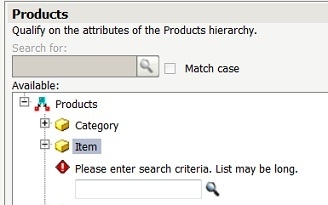
This prevents Web users from browsing the hierarchy, and instead forces them to search for elements before adding selecting them from the prompt:
Following a search, users can make one or more selections from the search results to be used as prompt answers:
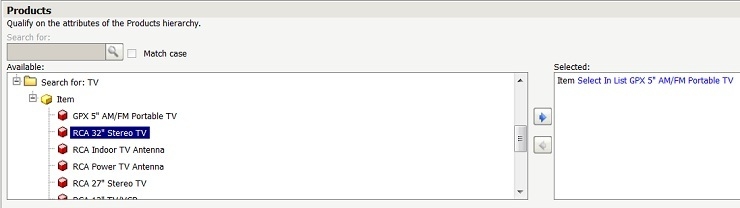
However, when making a change to the selected prompt answer, the user is able to browse all elements, even though the 'Require Search' option was selected:

CAUSE
This is the expected behavior for hierarchy prompts in Strategy Web 9.4.1. The 'Require Search' option is designed to apply only to the 'Available' prompt answers, not to those that have already been selected.
ACTION
An enhancement request has been submitted to Strategy Technical Support to change the behavior so that the 'Require Search' box is applied to both sides of the hierarchy prompt.
